
To type efficiently while working from home, start by setting up a comfortable workspace with good lighting and an ergonomic chair. Master keyboard shortcuts to save time, and use online typing tools to hone your skills. Practice proper techniques, like touch typing, for better speed and accuracy. Finally, create a focused environment by minimizing distractions and using time management strategies. You’ll discover even more essential tips to boost your typing efficiency and overall productivity.
Key Takeaways
- Set up an ergonomic workspace with a comfortable chair, proper desk height, and monitor at eye level to enhance typing efficiency.
- Master keyboard shortcuts to streamline your workflow and reduce time spent on repetitive tasks while typing.
- Utilize online typing tools and games to practice regularly, improving your speed and accuracy in a fun way.
- Maintain focus by creating a distraction-free environment and using techniques like the Pomodoro Technique for structured typing sessions.
- Practice proper typing techniques by using all fingers and positioning hands correctly to build muscle memory and minimize errors.
Setting Up Your Workspace for Optimal Typing
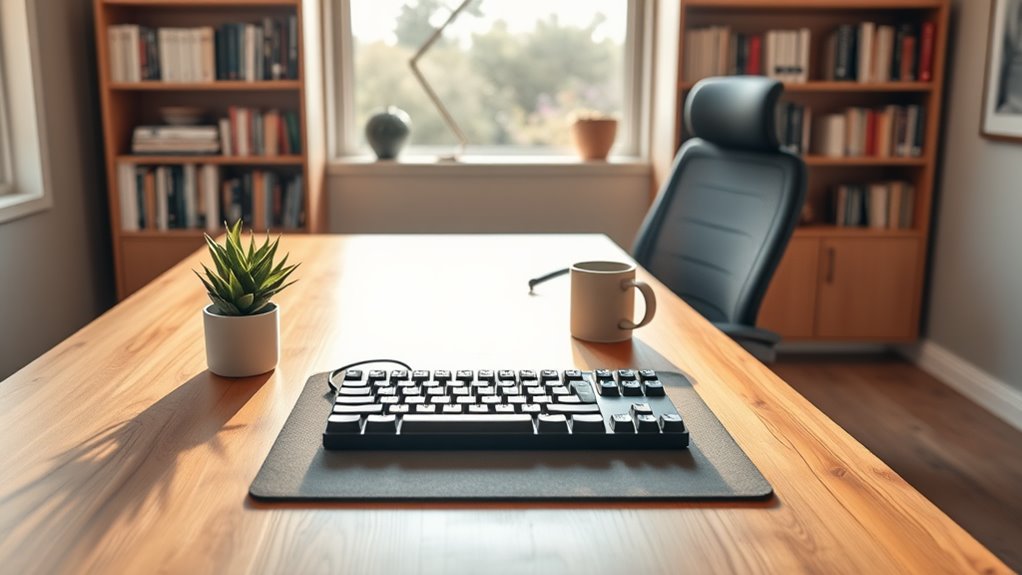
How can you create a workspace that boosts your typing efficiency? Start by choosing a comfortable chair and desk that suit your height.
Position your monitor at eye level to prevent neck strain, and keep your keyboard and mouse within easy reach. Good lighting is essential; use natural light when possible, or invest in a desk lamp that reduces glare.
Position your monitor at eye level and ensure your keyboard and mouse are easily accessible to enhance comfort and efficiency.
Minimize distractions by decluttering your workspace, and consider noise-canceling headphones if you’re in a noisy environment. Personalize your space with items that inspire you, like plants or artwork.
Finally, make sure your tech is up to date; slow devices can hinder your productivity. With the right setup, you’ll find your typing speed and accuracy improve considerably.
Mastering Keyboard Shortcuts for Increased Efficiency

While mastering keyboard shortcuts may seem intimidating at first, doing so can considerably boost your productivity and streamline your workflow. By practicing these shortcuts, you’ll save time and reduce frustration, allowing you to focus on what truly matters.
Here’s a quick reference to some essential shortcuts:
| Action | Shortcut |
|---|---|
| Copy | Ctrl + C |
| Paste | Ctrl + V |
| Undo | Ctrl + Z |
| Save | Ctrl + S |
Start integrating these shortcuts into your daily routine. The more you use them, the more natural they’ll feel. Eventually, you’ll wonder how you ever typed without them, making your work-from-home experience more enjoyable and efficient.
Utilizing Online Typing Tools and Resources

After you’ve gotten comfortable with keyboard shortcuts, it’s time to enhance your typing skills further by utilizing online typing tools and resources. Many websites offer free typing tests and exercises, helping you monitor your progress and identify areas for improvement.
You can try platforms like Typing.com or Keybr, which provide engaging lessons tailored to your skill level. Additionally, consider using typing games that make practice enjoyable while reinforcing your speed and accuracy.
Browser extensions can also help by offering quick access to typing resources whenever you need them. By incorporating these tools into your routine, you’ll boost your confidence and efficiency, ultimately making your work-from-home experience more productive and enjoyable.
Practicing Proper Typing Techniques
To guarantee you’re typing efficiently and accurately, it’s essential to practice proper typing techniques consistently.
Start by positioning your hands correctly on the keyboard, with your fingers resting on the home row keys. This helps you find keys quickly without looking. Keep your posture straight and your wrists elevated to avoid strain.
Position your hands on the home row keys and maintain good posture to enhance your typing efficiency and comfort.
Use all your fingers instead of just a few, as this increases speed and reduces errors. Regularly practice touch typing exercises to build muscle memory and improve your speed.
Set achievable goals, like typing a certain number of words per minute. Finally, review and correct your mistakes to learn from them.
With dedication, you’ll notice significant improvements in your typing abilities.
Maintaining Focus and Reducing Distractions While Typing
Even if you’re in a comfortable home environment, staying focused while typing can be a challenge. To combat distractions, create a designated workspace that’s free from interruptions.
Turn off notifications on your phone and computer; they can easily pull your attention away. Set specific time blocks for typing, using techniques like the Pomodoro Technique to maintain your focus. During these intervals, commit to staying on task without checking social media or emails.
Additionally, consider playing background music or white noise to drown out household distractions. When you feel your concentration slipping, take short breaks to recharge.
Frequently Asked Questions
What Are the Best Online Typing Courses for Beginners?
To start your typing journey, try courses like Typing.com, Keybr, or Nitrotype. They’ll help you build speed and accuracy through engaging exercises and games, making learning fun and effective for beginners like you.
How Can I Improve My Typing Speed Quickly?
To improve your typing speed quickly, practice regularly using online typing tests. Focus on accuracy first, then gradually increase your speed. Consider using typing software or games that make learning enjoyable and engaging. Keep challenging yourself!
Are There Typing Competitions I Can Join Online?
Yes, you can definitely join online typing competitions! Websites like 10FastFingers and Typing.com host regular contests. Participating can boost your skills and connect you with fellow typing enthusiasts. Give it a try and challenge yourself!
What Ergonomic Accessories Can Enhance My Typing Experience?
To enhance your typing experience, consider ergonomic keyboards, supportive wrist rests, and adjustable chairs. These accessories help reduce strain, improve posture, and boost comfort, making your typing sessions more enjoyable and productive overall.
How Can I Track My Typing Progress Effectively?
To track your typing progress effectively, use online typing tests and apps that provide detailed analytics. Set goals, monitor your speed and accuracy regularly, and adjust your practice routine based on the feedback you receive.