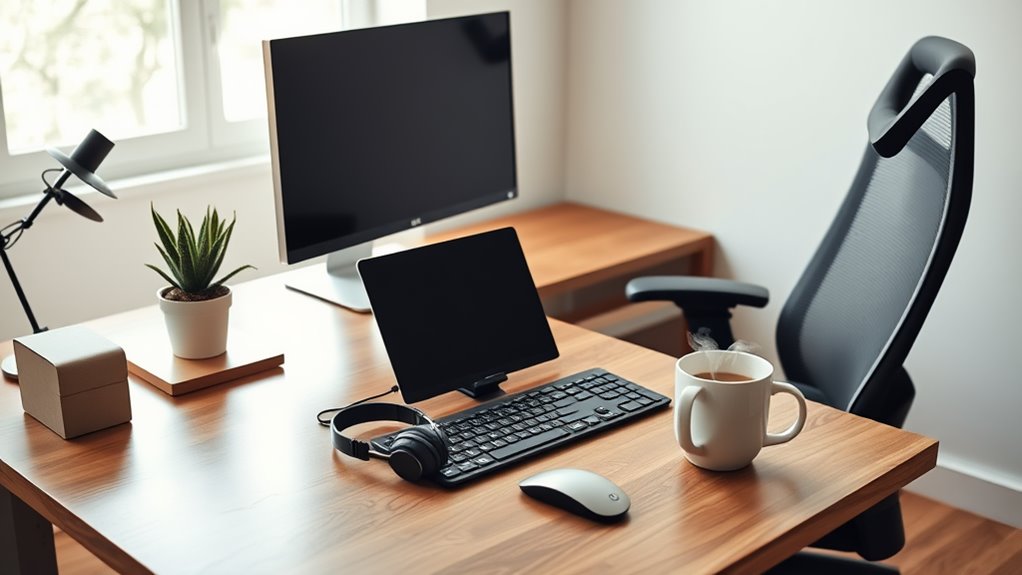
To create an effective work-from-home setup, you’ll need ergonomic office furniture that supports your posture, a high-quality monitor for multitasking, and a reliable keyboard and mouse to minimize strain. Don’t forget noise-canceling headphones to enhance focus and task lighting for maximum visibility. Organizational tools like planners and file organizers are also essential to keep you on track. If you want to improve your space and boost productivity even further, there’s more insight to explore.
Key Takeaways
- Invest in ergonomic office furniture to support posture and reduce fatigue during long work hours.
- Utilize a high-quality monitor for efficient multitasking and enhanced visual comfort.
- Choose a reliable keyboard and mouse to minimize wrist strain and promote better alignment.
- Incorporate noise-canceling headphones to minimize distractions and improve concentration.
- Use organizational tools to maintain productivity, manage tasks effectively, and reduce clutter.
Ergonomic Office Furniture
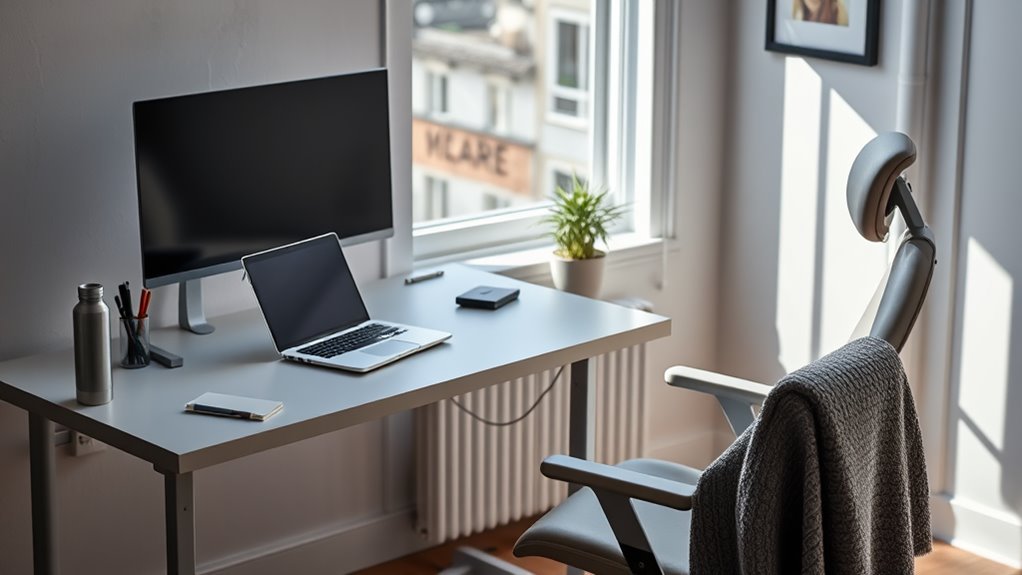
When setting up your home office, investing in ergonomic office furniture is essential for your comfort and productivity. Your chair should support your lower back, helping you maintain good posture throughout the day.
Look for an adjustable desk that allows you to alternate between sitting and standing, promoting movement and reducing fatigue. A well-designed keyboard and mouse can also minimize strain on your wrists, making typing and navigation more comfortable.
Don’t forget about your feet; they should rest flat on the floor or on a footrest. By choosing the right ergonomic furniture, you’ll create a workspace that encourages focus and efficiency.
Comfort isn’t just a luxury; it’s a crucial component of a successful work-from-home setup.
High-Quality Monitor
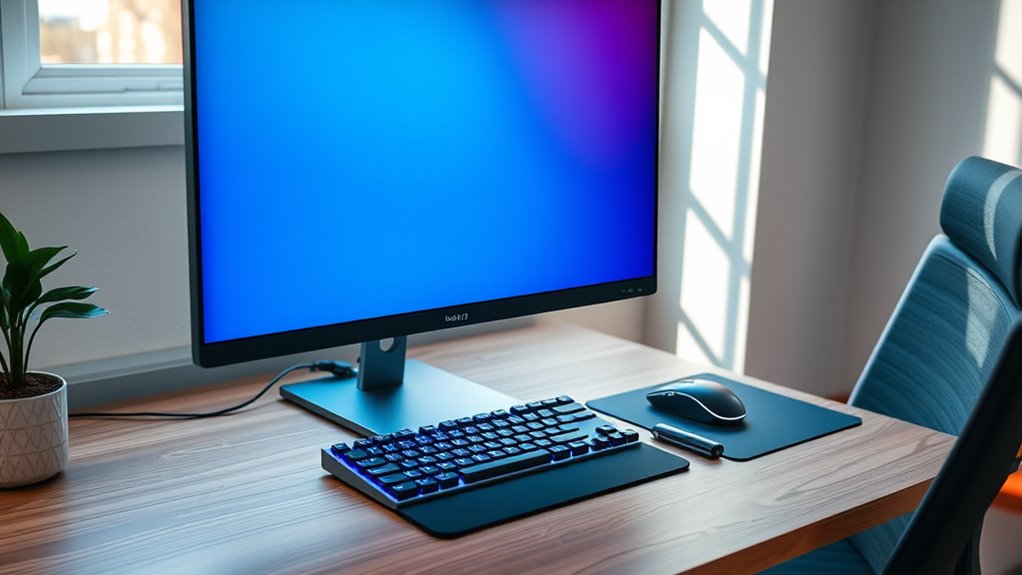
A high-quality monitor can greatly enhance your work-from-home experience. It offers improved clarity, better color accuracy, and increased productivity.
Here are three reasons why investing in a superior monitor is essential:
Investing in a superior monitor is essential for enhanced productivity, comfort, and multitasking efficiency.
- Larger Screen Real Estate: A bigger screen allows you to multitask efficiently, making it easier to have multiple windows open without feeling cramped.
- Eye Comfort: High-quality monitors often come with features like blue light filters and anti-glare technology, reducing eye strain during long work sessions.
- Enhanced Visuals: Whether you’re working on design projects or video calls, a monitor with high resolution guarantees that every detail is sharp and clear.
Upgrade your setup with a quality monitor, and you’ll notice the difference in your productivity and comfort!
Reliable Keyboard and Mouse
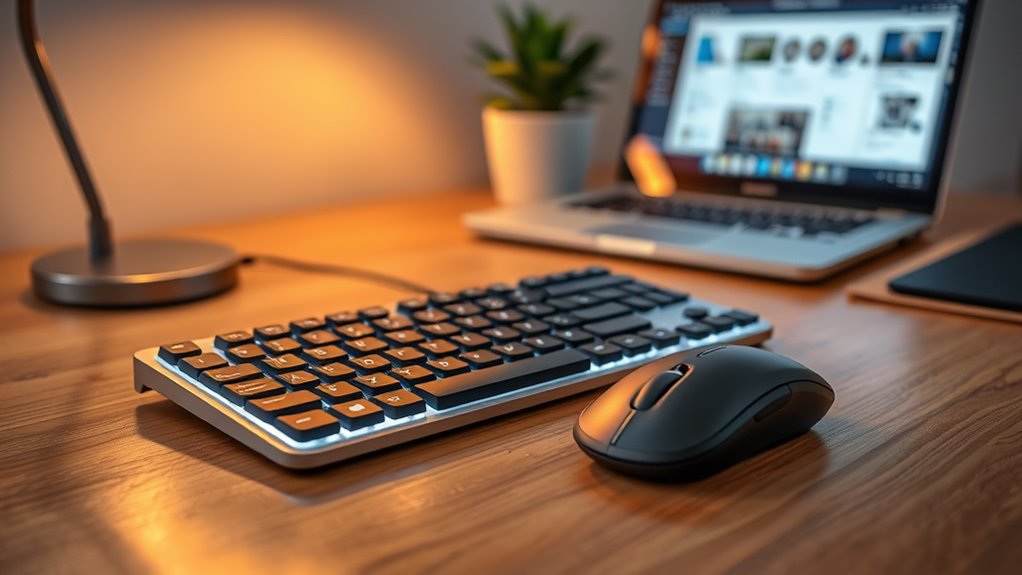
When setting up your home office, choosing a reliable keyboard and mouse is essential for comfort and productivity.
You’ll want to take into account ergonomic designs that reduce strain, as well as whether you prefer wireless or wired options.
Customization features can also enhance your workflow, making it easier to tailor your setup to your needs.
Ergonomic Design Benefits
While you mightn’t think much about your keyboard and mouse, investing in ergonomic designs can greatly enhance your comfort and productivity.
These tools are essential for creating an efficient work-from-home setup. Here are three key benefits of ergonomic designs:
- Reduced Strain: Ergonomic keyboards and mice are designed to minimize strain on your wrists and hands, preventing discomfort during long hours of typing and clicking.
- Improved Posture: They promote better alignment of your arms and shoulders, which can help you maintain a healthier posture throughout the day.
- Increased Efficiency: With a comfortable setup, you’ll find it easier to focus, leading to improved productivity and reduced fatigue.
Wireless vs. Wired Options
Choosing between wireless and wired options for your keyboard and mouse can greatly impact your work-from-home experience.
Wired devices often offer a more stable connection and eliminate concerns about battery life. You won’t have to worry about lag or interference, which can be essential during important tasks.
On the other hand, wireless options provide freedom of movement and a cleaner workspace, allowing you to arrange your setup without being tethered to your computer. Many wireless devices now have impressive battery life, making them just as reliable as their wired counterparts.
Ultimately, your choice depends on your personal preferences and work habits. Consider what suits your workflow best, as both options have their distinct advantages.
Customization Features Importance
Having a reliable keyboard and mouse is essential for productivity, especially when they come with customizable features that cater to your specific needs.
Customization allows you to streamline your workflow and enhance comfort during long hours of work. Here are three key benefits of choosing customizable options:
- Personalized Shortcuts: Assign frequently used functions to specific keys or buttons, saving you time and reducing repetitive strain.
- Adjustable Sensitivity: Tailor mouse sensitivity to your preference, improving accuracy and control whether you’re designing or coding.
- Ergonomic Design: Customize the shape and feel of your keyboard and mouse to fit your hands, minimizing discomfort and fatigue.
Investing in customizable equipment makes a significant difference in your work-from-home experience.
Noise-Canceling Headphones
Noise-canceling headphones can greatly boost your focus and productivity by blocking out distractions in your home office.
They’re designed for comfort, making them perfect for those long work sessions.
Plus, their versatile connectivity options guarantee you can easily connect to any device you need.
Enhanced Focus and Productivity
When distractions threaten to derail your work-from-home productivity, investing in noise-canceling headphones can be a game changer.
These headphones help you create a focused environment, allowing you to immerse yourself in your tasks. Here’s how they enhance your productivity:
- Minimize Distractions: Block out background noise, whether it’s kids playing or construction outside, so you can concentrate better.
- Improve Focus: With fewer interruptions, you can dive deeper into your work, completing tasks more efficiently.
- Boost Mood: Listening to your favorite music or calming sounds can elevate your mood, making work feel less tedious.
Comfort for Extended Use
While you’re focused on your tasks, comfort becomes essential, especially during long hours of use. Noise-canceling headphones can greatly enhance your work-from-home experience. They help you maintain concentration by blocking out distractions, allowing you to immerse yourself in your work.
Here’s a quick comparison of key features to take into account when choosing headphones:
| Feature | Importance |
|---|---|
| Noise Cancellation | Reduces distractions |
| Comfort Fit | Enables long wear |
| Battery Life | Supports extended use |
| Sound Quality | Enhances listening experience |
| Bluetooth Connectivity | Increases mobility |
Investing in quality noise-canceling headphones will guarantee you stay comfortable and productive throughout your day, making them an essential part of your work-from-home setup.
Versatile Connectivity Options
How often do you find yourself switching between devices during your workday?
If you’re juggling calls, meetings, and music, versatile connectivity options are a must. Noise-canceling headphones can enhance your focus and productivity by minimizing distractions.
Here’s why they’re essential:
- Multi-Device Pairing: Connect to your laptop, tablet, and phone simultaneously, allowing you to switch seamlessly without missing a beat.
- Active Noise Cancellation: Block out background noise, enabling you to concentrate on tasks and attend virtual meetings without interruptions.
- Comfortable Fit: Long hours at your desk require headphones that are both comfortable and lightweight, ensuring you can wear them for extended periods.
Investing in quality noise-canceling headphones will transform your work-from-home experience.
Task Lighting
Since proper illumination is essential for productivity, investing in effective task lighting can greatly enhance your work-from-home experience.
Choose adjustable lamps that allow you to direct light where you need it most. Look for options with adjustable brightness to match different times of day and tasks.
LED lights are energy-efficient and provide bright, clear illumination, reducing eye strain. Position your task light to minimize glare on screens and avoid shadows while you work.
If you’re working late, consider warmer tones to create a cozy atmosphere. Remember, good lighting can considerably improve your focus and mood, helping you tackle tasks with ease.
Prioritize your lighting setup, and you’ll find it makes a noticeable difference in your daily productivity.
Organizational Tools and Supplies
To stay productive and focused while working from home, having the right organizational tools and supplies is essential.
Here are three must-have items to enhance your workspace:
- Planner or Digital Tool: Use a planner or app to schedule tasks, set priorities, and track deadlines. This keeps your day structured and manageable.
- File Organizer: Invest in a file organizer or use digital folders. This helps you categorize important documents, making everything easily accessible and reducing clutter.
- Whiteboard or Sticky Notes: A whiteboard or sticky notes can serve as visual reminders for tasks and goals. They provide motivation and help you stay on track.
With these tools, you’ll create a more efficient and organized home office, allowing for better focus and productivity.
Frequently Asked Questions
How Can I Improve My Internet Speed for Remote Work?
To improve your internet speed for remote work, try restarting your router, minimizing connected devices, using a wired connection, and considering an upgraded plan. Regularly check for software updates to guarantee peak performance.
What Is the Best Way to Manage Distractions at Home?
To manage distractions at home, you’ve gotta set clear boundaries. Create a dedicated workspace, establish a schedule, and communicate your availability. Turn off notifications and prioritize tasks to maintain focus and boost productivity.
How Do I Set up a Productive Work Routine?
To set up a productive work routine, prioritize your tasks, create a consistent schedule, and designate a dedicated workspace. Don’t forget to take breaks and stay organized to maintain focus and motivation throughout the day.
What Are the Benefits of a Standing Desk?
Using a standing desk boosts your energy and productivity. You’ll find reduced back pain, improved posture, and increased focus. Plus, switching positions throughout the day keeps you engaged and motivated to tackle your tasks effectively.
How Can I Stay Connected With My Team Remotely?
To stay connected with your team remotely, schedule regular video calls, use instant messaging for quick chats, and collaborate on projects using shared documents. Staying engaged builds rapport and keeps everyone aligned on goals.