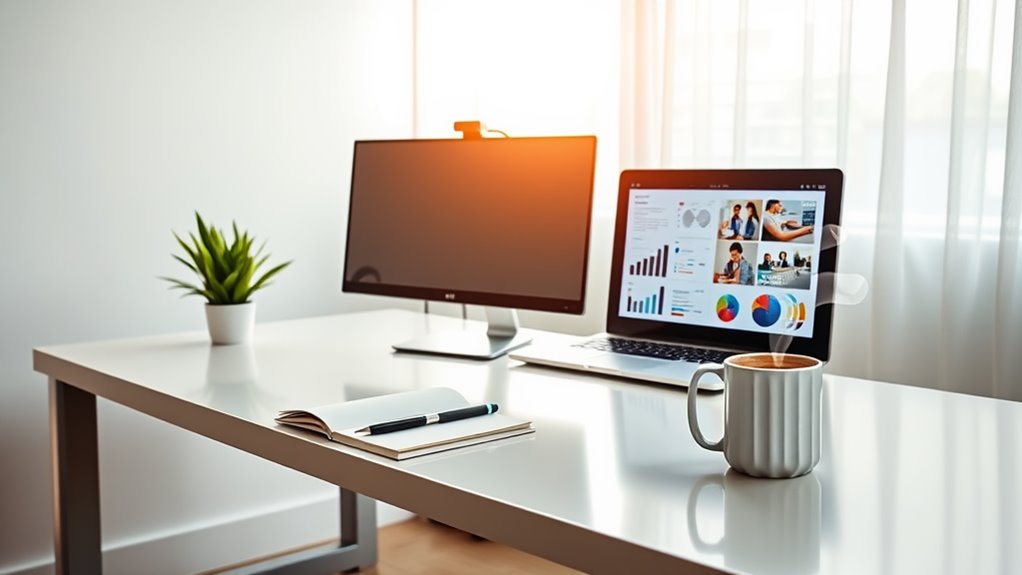
To boost your home office productivity, invest in essential equipment like an ergonomic office chair and an adjustable standing desk. High-quality monitors improve your visual experience, while reliable keyboards and mice reduce strain. Noise-canceling headphones help block distractions, enhancing your focus. Don’t forget effective lighting, a fast internet connection, and organizational tools to keep your workspace tidy. Essential office supplies like notebooks and pens can streamline your workflow. If you’d like to discover more tips, keep exploring.
Key Takeaways
- Invest in an ergonomic office chair and adjustable standing desk to promote good posture and reduce strain during long work hours.
- Utilize a high-quality monitor to enhance visual clarity, improving multitasking efficiency and overall productivity.
- Incorporate noise-canceling headphones to block distractions, enabling deeper focus and a quieter work environment.
- Organize your workspace with essential storage solutions like file organizers and cable management clips to reduce clutter and increase efficiency.
- Equip yourself with must-have office supplies, such as quality notebooks and colorful pens, to facilitate idea capture and task management.
Ergonomic Office Chair
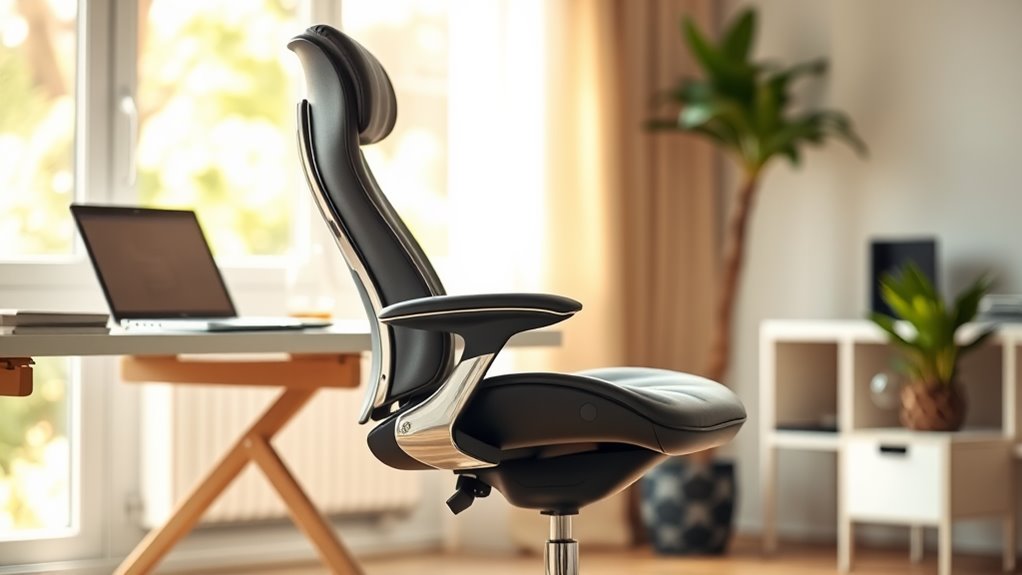
An ergonomic office chair is essential for anyone spending long hours at a desk. It supports your body, promoting good posture and reducing strain on your back and neck.
With adjustable features, you can customize the chair to fit your unique body shape and preferences. Look for options that allow you to modify the seat height, backrest angle, and armrest position, ensuring comfort throughout your workday.
Quality materials also matter; breathable fabrics and cushioned seats enhance your experience.
Investing in an ergonomic chair not only boosts your productivity but also helps prevent discomfort and long-term health issues.
Prioritize your comfort and well-being by choosing a chair that meets your needs, making those long hours much more enjoyable.
Adjustable Standing Desk
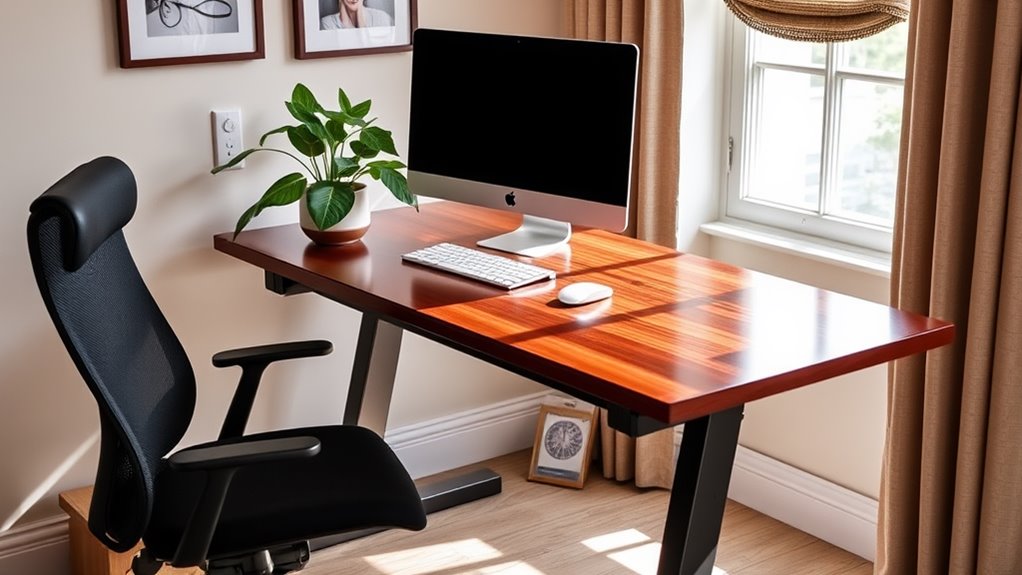
Adjustable standing desks have become increasingly popular for those seeking a more dynamic workspace.
These desks allow you to easily switch between sitting and standing, promoting better posture and reducing the risks associated with prolonged sitting. You’ll find that standing while working can boost your energy levels and enhance focus.
Plus, the flexibility to adjust the height according to your preference means you can create a tailored workspace that suits your needs.
When choosing an adjustable standing desk, look for one with a sturdy frame and smooth height adjustment mechanism.
Some models even come with programmable settings, so you can effortlessly alternate between positions throughout your day.
High-Quality Monitor

A high-quality monitor can greatly enhance your visual clarity, making it easier to read and work on documents for long hours.
With sharper images and better color accuracy, you’ll find multitasking becomes more efficient, allowing you to juggle multiple tasks seamlessly.
Investing in a good monitor is a game changer for your home office setup.
Enhanced Visual Clarity
When you invest in a high-quality monitor, you’re not just upgrading your workspace; you’re enhancing your visual experience. A crisp, vibrant display makes a world of difference when you’re staring at documents, spreadsheets, or creative projects for hours.
You’ll notice the sharpness in text, allowing for easier reading and reducing eye strain. Color accuracy becomes essential, especially if you work with graphics or design; you’ll see your work as it’s meant to be seen.
Plus, larger screen sizes provide a more immersive experience, making it easier to focus on your tasks. With better contrast and brightness levels, you can work comfortably in various lighting conditions.
Ultimately, a high-quality monitor elevates your productivity and keeps you engaged in your tasks.
Improved Multitasking Efficiency
Upgrading to a high-quality monitor not only enhances your visual clarity but also greatly boosts your multitasking efficiency.
With a larger screen or dual-monitor setup, you can easily view multiple applications side by side, making it simpler to switch between tasks. You’ll find that dragging documents, comparing spreadsheets, or having video calls while working becomes seamless.
This setup reduces the time spent minimizing and maximizing windows, allowing you to stay focused on your projects. Plus, the higher resolution means less eye strain, letting you work for longer periods without fatigue.
Reliable Keyboard and Mouse
When setting up your home office, a reliable keyboard and mouse are essential for comfort and productivity.
An ergonomic design can reduce strain during long hours of work, while wireless connectivity offers flexibility and reduces clutter.
Choosing the right tools can make a significant difference in your daily routine.
Ergonomic Design Benefits
While you mightn’t think much about your keyboard and mouse, choosing ergonomic options can greatly improve your comfort and productivity.
Ergonomic designs reduce strain on your wrists and hands, allowing for longer work sessions without discomfort. When you use a keyboard that promotes a natural wrist position, you’ll notice less fatigue, which means more focus on your tasks.
An ergonomic mouse fits your hand better, minimizing the chances of repetitive strain injuries. Plus, these tools often feature customizable buttons, enhancing your workflow.
Wireless Connectivity Advantages
Wireless connectivity in your home office can transform your workspace, offering convenience and flexibility. When you use a reliable wireless keyboard and mouse, you eliminate the clutter of cables, allowing for a cleaner, more organized environment.
You can easily reposition your devices to find the most comfortable working arrangement, whether you’re sitting or standing.
Moreover, wireless peripherals often feature advanced technology, providing a responsive and lag-free experience, which enhances your productivity. You won’t have to deal with tangled cords or limited reach, making it simple to switch between tasks.
Plus, with a longer battery life, you can work uninterrupted. Embracing wireless connectivity not only streamlines your desk but also supports your focus and efficiency throughout the workday.
Noise-Canceling Headphones
As you immerse yourself in your work-from-home routine, noise-canceling headphones can be a game-changer for maintaining focus and productivity.
By blocking out distractions, you can create a personal oasis where your thoughts flow freely.
Here are three benefits that will elevate your work experience:
- Enhanced Concentration: With ambient noise drowned out, you can dive deep into tasks without interruption.
- Reduced Stress: A quieter environment lowers anxiety, allowing you to tackle challenging projects with a clear mind.
- Improved Audio Quality: Enjoy crisp sound during meetings or while listening to music, making every interaction and moment more engaging.
Investing in noise-canceling headphones isn’t just a luxury; it’s an essential tool for maximizing your home office productivity.
Effective Lighting Solutions
Creating the right atmosphere in your home office goes beyond just sound; lighting plays a significant role in your productivity and well-being. Natural light is ideal, so try to position your desk near a window.
If that’s not possible, invest in adjustable desk lamps that mimic daylight to reduce eye strain. Consider using a combination of ambient and task lighting to create a balanced environment.
Avoid harsh overhead lights that can cause headaches and fatigue. Instead, opt for warm LED bulbs, which are easier on the eyes. Dimming options can also help you adjust based on the time of day.
Fast and Stable Internet Connection
A reliable internet connection is essential for a productive home office. It’s what keeps you connected to your colleagues and clients, ensuring you can collaborate seamlessly. Without it, your work can feel frustrating and unproductive.
Here are three reasons why investing in fast and stable internet is vital:
- Efficient Communication: Stay in touch with your team through video calls or instant messaging without interruptions.
- Quick Access to Resources: Download files, access cloud services, and conduct research swiftly, helping you meet deadlines.
- Enhanced Focus: A strong connection reduces distractions from buffering and slow speeds, allowing you to concentrate on your tasks.
Don’t underestimate the power of a solid internet connection; it’s the backbone of your home office success!
Organizational Tools and Storage
While a fast and stable internet connection keeps you connected, having the right organizational tools and storage solutions can greatly enhance your productivity. A clutter-free workspace fosters focus and efficiency, so invest in tools that suit your needs.
Consider these essential items:
| Tool/Storage Solution | Purpose |
|---|---|
| File Organizer | Keeps documents sorted |
| Desk Drawer Dividers | Separates office supplies |
| Wall-mounted Shelves | Saves desk space |
| Cable Management Clips | Reduces cable clutter |
Essential Office Supplies
Essential office supplies are the backbone of any productive workspace. They help you stay organized, focused, and efficient throughout your workday. If you want to boost your productivity, consider these must-have items:
- Quality Notebooks: Jotting down ideas and tasks in a reliable notebook can keep your thoughts organized and easily accessible.
- Colorful Pens: Using different colors can make note-taking more engaging and help you prioritize tasks at a glance.
- Sticky Notes: These handy reminders can keep important tasks or ideas front and center, ensuring nothing slips through the cracks.
Investing in these essential supplies won’t only enhance your workspace but also motivate you to tackle your daily challenges with enthusiasm and clarity.
Frequently Asked Questions
How Can I Create a Productive Work Environment at Home?
To create a productive work environment at home, you should establish a dedicated workspace, minimize distractions, maintain organization, set clear boundaries, and incorporate comfortable furniture. These steps will help you stay focused and efficient throughout your workday.
What Are the Benefits of a Dual Monitor Setup?
A dual monitor setup enhances your productivity by allowing you to multitask effortlessly. You can view multiple applications simultaneously, reduce time spent switching between tabs, and create a more organized workspace tailored to your needs.
How Often Should I Take Breaks While Working?
You should take breaks every 60 to 90 minutes while working. This helps refresh your mind, boosts focus, and prevents burnout. Don’t forget to stand up, stretch, or grab a quick snack during these breaks!
What Apps Can Help Improve My Organization Skills?
To improve your organization skills, you can use apps like Todoist for task management, Evernote for note-taking, and Trello for project tracking. These tools help you stay focused, prioritize tasks, and manage your time effectively.
How Can I Minimize Distractions in My Home Office?
To minimize distractions in your home office, create a dedicated workspace, set clear boundaries with others, and use noise-canceling headphones. You can also schedule focused work sessions and take regular breaks to maintain your concentration.