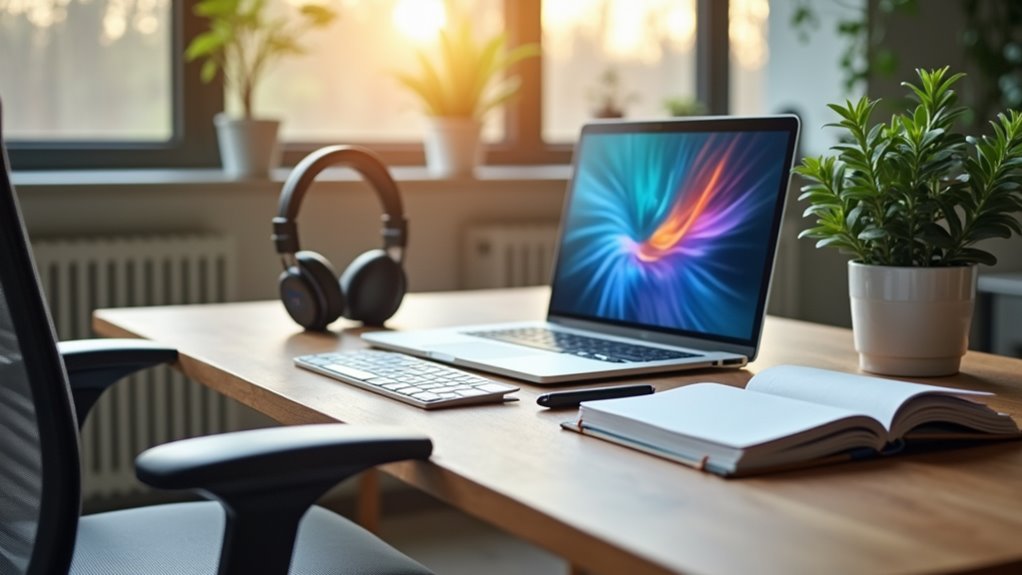
When you start a no-experience work-from-home job, having the right equipment can make a significant difference. A reliable computer and accessories are essential for completing tasks efficiently. Additionally, you’ll need a stable internet connection to keep your workflow smooth. But that’s just the beginning. There are other important tools to take into account that can enhance your productivity and comfort. Let’s explore what you’ll need to set yourself up for success.
Key Takeaways
- A reliable computer or laptop is crucial for handling basic tasks efficiently while working from home.
- High-speed internet is essential to avoid disruptions during work and maintain productivity.
- A quality headset enhances communication clarity and minimizes background noise during virtual meetings.
- Ergonomic workspace setup, including an adjustable chair and proper desk height, promotes comfort and reduces strain.
- Productivity software like Google Workspace and Slack aids in task management and collaboration with colleagues.
Reliable Computer and Accessories
When you’re working from home, having a reliable computer and accessories is essential to your productivity. A dependable laptop or desktop will help you tackle tasks efficiently, so choose one that meets your specific needs, whether it’s for video calls, heavy software, or basic tasks.
Don’t forget about accessories like a comfortable keyboard and mouse, which can greatly enhance your workflow. A quality monitor can also reduce eye strain and improve your focus. Consider investing in a good headset for clear communication during virtual meetings.
Additionally, having a webcam guarantees you look professional in those important video calls. With the right equipment, you’ll feel more capable and focused, allowing you to perform your best while working from home.
High-Speed Internet Connection
A strong internet connection is essential for anyone working from home, especially if you rely on video conferencing or need to upload large files.
Slow or unstable internet can disrupt your workflow, causing frustration and missed deadlines. To guarantee you stay productive, invest in high-speed internet that meets your work requirements.
Check with local providers for plans that offer adequate bandwidth to support multiple devices if needed. It’s also wise to run regular speed tests to confirm you’re getting the service you pay for.
If possible, consider a wired connection for added stability. Don’t forget to have a backup plan, like mobile hotspot options, just in case your primary connection fails.
This way, you’ll always stay connected and efficient.
Quality Headset and Webcam
Investing in a quality headset and webcam can greatly enhance your work-from-home experience. Clear audio is essential for effective communication, especially during meetings or calls. A good headset minimizes background noise, ensuring you hear and are heard without distractions.
Look for models with comfortable ear cushions and a reliable microphone for superior sound quality.
A quality webcam is equally important, as it helps you make a strong impression during video calls. High-definition video allows your colleagues to see you clearly, fostering better connections.
Consider features like adjustable angles and built-in lighting to improve your appearance on screen. By choosing the right headset and webcam, you’ll create a more professional and engaging virtual workspace, setting yourself up for success.
Productivity Software and Tools
After setting up your headset and webcam, the next step is to equip yourself with the right productivity software and tools. These tools will help you stay organized, communicate effectively, and manage your tasks efficiently. Consider using project management software, time tracking tools, and communication platforms to enhance your workflow.
| Tool Type | Recommended Software |
|---|---|
| Project Management | Trello |
| Time Tracking | Toggl |
| Communication | Slack |
| Document Collaboration | Google Workspace |
Investing in these tools will streamline your daily tasks and improve your overall productivity while working from home. With the right software, you’ll feel more connected and focused on your work.
Ergonomic Workspace Setup
Since you’ll be spending long hours at your desk, creating an ergonomic workspace is essential for your comfort and productivity.
A well-designed setup can help reduce strain and improve your focus. Here are three key items to take into account:
- Adjustable Chair: Choose a chair that supports your lower back and allows your feet to rest flat on the floor.
- Desk Height: Confirm your desk is at a height where your elbows can bend at 90 degrees while typing.
- Monitor Stand: Position your monitor at eye level to prevent neck strain, keeping your gaze slightly downward.
Investing in these elements will help you work efficiently and comfortably, making your remote job more enjoyable.
Frequently Asked Questions
What Type of Computer Is Best for Entry-Level Remote Jobs?
For entry-level remote jobs, a laptop with at least 8GB RAM and a decent processor works best. You’ll benefit from portability and performance, ensuring you can handle tasks and video calls effectively.
Can I Use My Tablet Instead of a Laptop for Work?
Yes, you can use your tablet instead of a laptop for work, but it depends on your tasks. Tablets are great for browsing and basic tasks, but complex work might require a laptop’s functionality.
Is a Wired Headset Better Than Wireless for Remote Communication?
A wired headset often provides better sound quality and reliability than wireless options. You won’t have to worry about battery life, and the stable connection guarantees clear communication during your remote calls. It’s worth considering!
What Software Is Essential for Project Management in Remote Jobs?
For project management in remote jobs, you’ll need software like Trello, Asana, or Monday.com. These tools help you organize tasks, track progress, and collaborate effectively with your team, ensuring everyone stays on the same page.
How Can I Create a Distraction-Free Workspace at Home?
To create a distraction-free workspace at home, choose a quiet area, minimize clutter, and set clear boundaries with those around you. Use noise-canceling headphones and establish a dedicated work schedule to maintain focus.