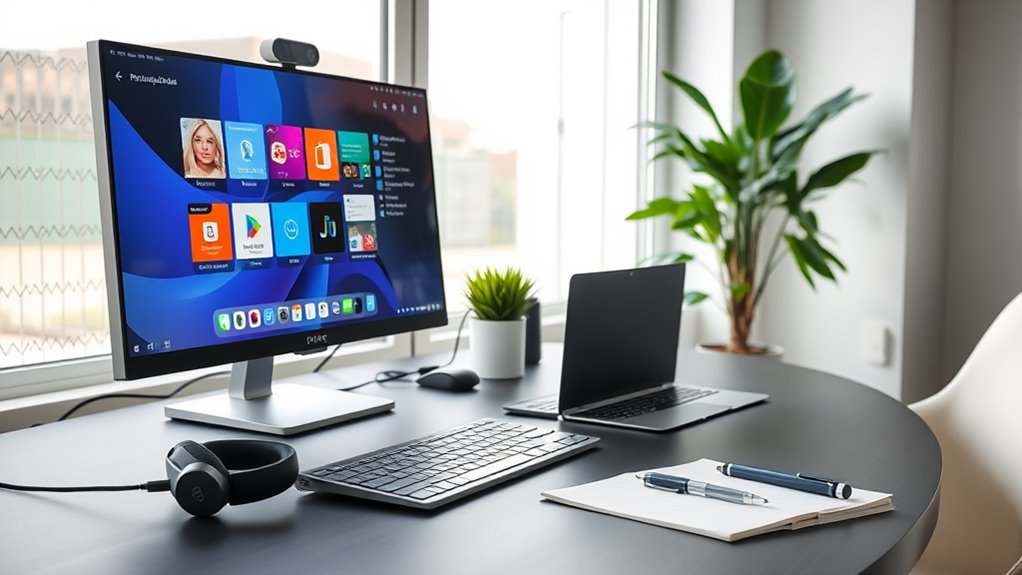
To set up your home office for remote work, invest in ergonomic essentials like a comfortable office chair and an adjustable desk for better posture. Include a high-quality monitor and a reliable keyboard and mouse for smooth operations. Noise-canceling headphones can help you focus amid distractions. Don’t forget good lighting solutions and organizational tools to keep your workspace efficient. With the right setup, you’ll boost your productivity and comfort in no time. There’s more to explore!
Key Takeaways
- Invest in an ergonomic office chair to support good posture and reduce strain during long hours at your desk.
- An adjustable desk allows you to alternate between sitting and standing, promoting comfort and better posture.
- Use a high-quality monitor to enhance visuals and reduce eye strain, improving multitasking and focus.
- Reliable keyboard and mouse are crucial for comfort and preventing repetitive strain injuries during extended use.
- Incorporate proper lighting solutions to create an inviting atmosphere and improve alertness while working.
Ergonomic Office Chair

An ergonomic office chair is essential for anyone working from home, especially if you spend long hours at your desk.
These chairs are designed to support your body, promoting good posture and reducing strain on your back and neck. When you sit correctly, you’ll experience less discomfort and fatigue, allowing you to focus better on your tasks.
Look for adjustable features like seat height, lumbar support, and armrests that fit your unique body shape. Investing in a quality ergonomic chair can enhance your productivity and overall well-being.
Adjustable Desk
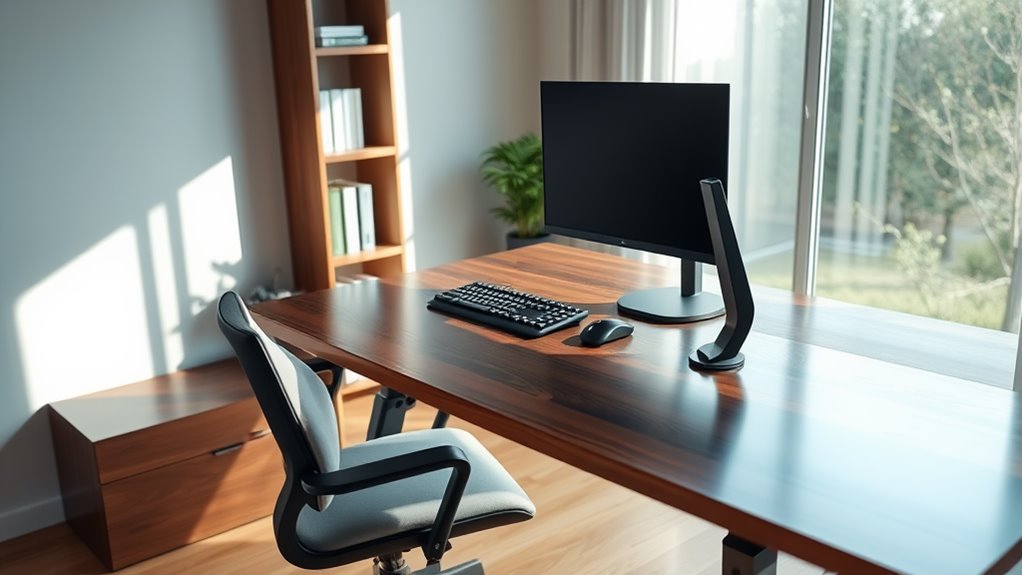
Having an adjustable desk can greatly enhance your home office setup.
With the flexibility to switch between sitting and standing, you can find the perfect height that suits your needs throughout the day. This adaptability not only improves comfort but also promotes better posture, reducing the risk of strain and discomfort.
The ability to alternate between sitting and standing enhances comfort and promotes better posture, minimizing strain throughout your workday.
You’ll find that alternating positions can boost your energy levels and productivity, making long hours feel more manageable. Many adjustable desks come with built-in presets, allowing you to effortlessly change heights at the touch of a button.
Plus, they often have a sleek design that fits seamlessly into any workspace aesthetic. Investing in an adjustable desk is a smart decision for your overall well-being while working from home.
High-Quality Monitor
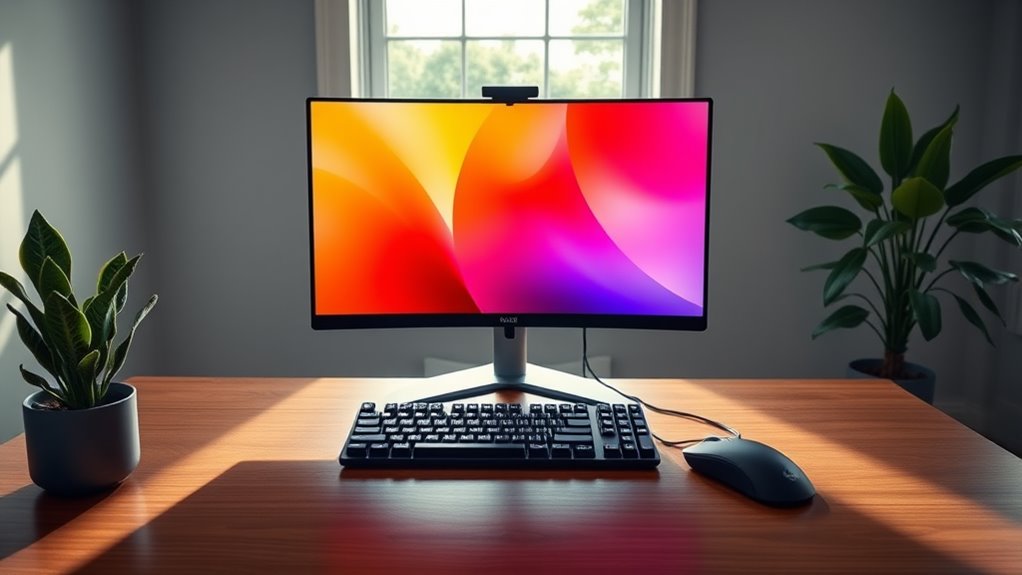
When you choose a high-quality monitor for your home office, you’ll notice a significant boost in your productivity.
An ideal screen size helps reduce eye strain and allows you to multitask more effectively.
Investing in the right monitor can truly transform your work experience.
Enhanced Productivity Benefits
A high-quality monitor can greatly enhance your productivity by providing clearer visuals and more screen real estate for multitasking.
With better resolution and larger displays, you’ll find it easier to manage multiple applications simultaneously, making your workflow smoother.
Here are some specific benefits you can expect:
- Reduced Eye Strain: Clearer visuals minimize fatigue during long working hours.
- Improved Focus: A larger screen allows you to concentrate on tasks without constant window switching.
- Enhanced Collaboration: If you’re working with others, sharing your screen becomes much easier and more effective.
- Better Organization: You can arrange your workspace intuitively, keeping everything you need within sight.
Investing in a high-quality monitor can considerably elevate your remote work experience.
Optimal Screen Size
Choosing the right screen size for your monitor can greatly impact your comfort and productivity while working from home. A 24 to 32-inch monitor is typically ideal, offering ample screen real estate for multitasking without causing eye strain.
If you often juggle multiple windows or applications, larger screens can enhance your workflow by reducing the need to constantly switch between tabs.
Consider your desk space and viewing distance; you should sit about an arm’s length away from the screen. A higher resolution, like 4K, can also improve clarity and detail, making it easier to read text and view images.
Ultimately, select a size that fits your needs, promotes good posture, and helps you stay focused throughout your workday.
Reliable Keyboard and Mouse
When setting up your home office, a reliable keyboard and mouse are essential for comfort and productivity.
You’ll benefit from ergonomic designs that reduce strain during long hours of work, and you’ll want to evaluate whether wired or wireless options suit your needs better.
Let’s explore these choices to find what works best for you.
Ergonomic Design Benefits
Although many overlook the importance of a reliable keyboard and mouse, investing in ergonomic designs can greatly enhance your comfort and productivity.
With the right ergonomic equipment, you can reduce strain and improve your overall work experience. Here are some key benefits to evaluate:
- Reduced risk of repetitive strain injuries: Proper alignment helps prevent issues like carpal tunnel syndrome.
- Increased comfort during long hours: Ergonomic designs support your natural hand and wrist positions, minimizing discomfort.
- Enhanced focus and efficiency: Comfortable equipment allows you to stay engaged and productive without interruptions.
- Better posture: Ergonomic keyboards and mice encourage a healthier sitting position, which can have long-term benefits for your back and neck.
Invest in ergonomics for a healthier, more effective work environment!
Wireless vs. Wired Options
While ergonomic designs markedly improve comfort and productivity, the choice between wireless and wired options for your keyboard and mouse can also impact your work experience.
Wireless devices offer flexibility and reduce cable clutter, allowing you to arrange your workspace as you like. They’re great for a clean aesthetic and easier mobility. However, they require battery management and can sometimes suffer from connectivity issues.
On the other hand, wired keyboards and mice provide a stable connection with no latency, ensuring smooth performance during those essential tasks. They don’t need charging or batteries, so you’ll never worry about running out of power mid-work.
Ultimately, consider your workspace needs and preferences to find the right balance between convenience and reliability.
Noise-Canceling Headphones
As you navigate the challenges of remote work, noise-canceling headphones can be a game changer for your productivity. They help you focus by blocking out distractions, allowing you to immerse yourself in your tasks.
Here’s what to look for when choosing your ideal pair:
- Effective Noise Cancellation: Make sure they can filter out background sounds effectively.
- Comfortable Fit: Look for padded ear cups and adjustable headbands for long hours of wear.
- Battery Life: Opt for models with extended battery life for uninterrupted use.
- Sound Quality: Choose headphones that deliver clear audio for calls and music.
Investing in noise-canceling headphones can elevate your work experience, making it easier to maintain concentration and accomplish your goals.
Fast and Stable Internet Connection
How essential is a fast and stable internet connection for your remote work success? It’s vital. Without it, video calls can lag, file uploads take forever, and you might miss important emails.
A reliable connection allows you to communicate seamlessly with your team, access cloud-based tools, and meet deadlines without frustration. To guarantee you’ve got the best setup, invest in a quality router and consider a wired connection if Wi-Fi isn’t cutting it.
Check your internet speed regularly to verify it meets your work needs. If you’re sharing the network with family or roommates, plan your work hours around peak usage times.
Prioritizing your internet connection can markedly enhance your productivity and overall remote work experience.
Good Lighting Solutions
What’s the secret to a productive home office environment? Good lighting solutions! Proper lighting can greatly enhance your focus and energy levels.
Here’s what you need to take into account for your workspace:
- Natural Light: Position your desk near a window to take advantage of daylight, boosting your mood and productivity.
- Task Lighting: Use adjustable desk lamps for focused illumination on your work area, preventing eye strain during long hours.
- Ambient Lighting: Soft overhead lights create a warm atmosphere, making your space feel inviting and comfortable.
- Color Temperature: Opt for bulbs with a daylight spectrum (5000K-6500K) to mimic natural light, improving alertness without harsh glare.
With the right lighting, you’ll feel more energized and ready to tackle your tasks!
Organizational Tools and Accessories
A well-organized home office can greatly boost your productivity. To achieve this, invest in organizational tools that suit your workflow.
Start with desktop organizers to keep pens, notebooks, and sticky notes within reach. A filing cabinet or a document organizer can help manage paperwork, keeping your space clutter-free. Use cable management solutions to tame those tangled cords, ensuring a clean look.
Organize your workspace with desktop organizers, filing solutions, and cable management for a tidy, efficient home office.
Incorporate a whiteboard or corkboard for quick reminders and visual organization of tasks. Don’t forget about planners or digital task management apps to keep your projects on track.
Finally, consider drawer dividers for smaller items. With the right accessories, you’ll create an efficient workspace that enhances focus and makes remote work a breeze.
Frequently Asked Questions
How Do I Choose the Right Size Desk for My Space?
When choosing the right size desk for your space, measure your room and consider your needs. Make sure it fits comfortably without overcrowding, allowing for easy movement and access to other furniture or equipment.
What Are the Best Brands for Ergonomic Chairs?
When looking for the best brands for ergonomic chairs, check out Herman Miller, Steelcase, and Secretlab. They’re known for comfort and support, which can enhance your productivity and keep you comfortable during long hours.
How Can I Improve My Internet Speed Without Upgrading?
To improve your internet speed without upgrading, try resetting your router, minimizing device connections, or using an Ethernet cable. Also, consider relocating your router for better signal strength and avoiding interference from other electronics.
Are There Budget-Friendly Options for Noise-Canceling Headphones?
You’ll find budget-friendly noise-canceling headphones from brands like Anker and Taotronics. They offer decent sound quality without breaking the bank. Check online reviews to guarantee they meet your needs before making a purchase.
What Accessories Can Enhance My Remote Work Productivity?
To enhance your remote work productivity, consider using a quality ergonomic chair, a standing desk, and cable organizers. Noise-canceling headphones and a good webcam can also greatly improve your focus and communication during meetings.