
When choosing a remote work phone for your home office, assess your communication needs by identifying preferred channels like calls and instant messaging. Prioritize call quality with features like noise cancellation and HD voice. Make sure it’s compatible with essential tools for seamless integration. Ergonomics matter, too; aim for a lightweight design with easy-to-access buttons. Finally, check battery life and portability. There’s more to explore about how to make the best choice for your setup.
Key Takeaways
- Assess your communication needs by identifying preferred channels and frequency of meetings to choose a suitable phone.
- Prioritize call quality features like noise cancellation and HD voice technology for clear communication during calls.
- Ensure compatibility with essential software and video conferencing tools to maintain productivity and seamless integration.
- Opt for an ergonomic design that provides comfort during long usage and features intuitive button placement for easy access.
- Look for a phone with long battery life and quick charging options to support uninterrupted remote work throughout the day.
Assess Your Communication Needs

How do you communicate most effectively with your team? Start by evaluating your communication needs.
Think about how often you hold meetings, make calls, or engage in video conferences. Do you require clear audio for important discussions? Consider whether you prefer instant messaging for quick questions or need robust features for collaborative projects.
Identify your primary communication channels, whether it’s phone calls, emails, or chat applications. This clarity helps you choose a phone that meets your specific requirements.
Evaluate if you need features like conference calling or compatibility with your favorite tools. By understanding your unique communication style, you can select a remote work phone that enhances your productivity and keeps your team connected effectively.
Consider Call Quality and Features
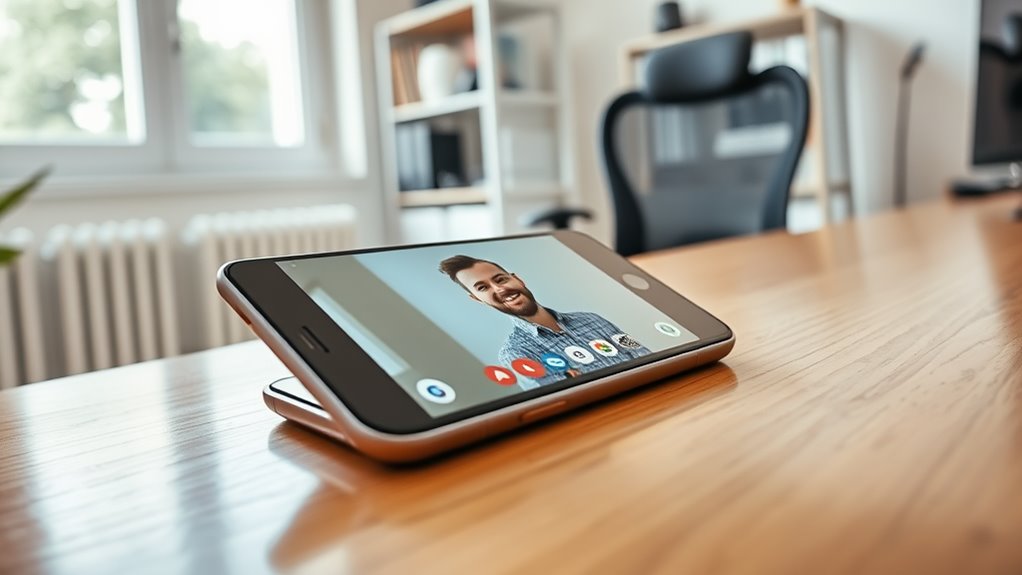
When you’re choosing a remote work phone, sound clarity should be at the top of your list.
Clear calls can make a huge difference in communication, so you’ll want a device that delivers quality audio.
Plus, consider essential features like noise cancellation and call management tools to enhance your experience.
Sound Clarity Importance
While you might focus on features like battery life and design when choosing a remote work phone, sound clarity should be high on your list of priorities.
Clear audio can make or break a call, especially during important meetings or collaborative discussions. If you can’t hear your colleagues well, misunderstandings can easily arise, leading to frustration and wasted time.
Look for phones that offer noise-canceling technology and high-definition audio capabilities. These features enhance call quality, ensuring that both you and your callers can communicate effectively.
Additionally, consider whether the phone has a good speakerphone option for hands-free conversations.
Investing in sound clarity will greatly improve your overall remote work experience, allowing for smoother interactions and better teamwork.
Essential Communication Features
Sound clarity sets the stage for effective communication, but it’s just one piece of the puzzle.
To guarantee seamless interactions while working remotely, you’ll want to take into account several essential communication features in your phone:
- Noise Cancellation: Filters out background noise, allowing your voice to shine through.
- HD Voice Technology: Provides crystal-clear sound quality, making every call feel lifelike.
- Built-In Speakerphone: Facilitates group calls without awkwardness, promoting collaboration.
- Call Forwarding Options: Guarantees you never miss an important call, redirecting it to your mobile or another device.
Evaluate Compatibility With Other Tools
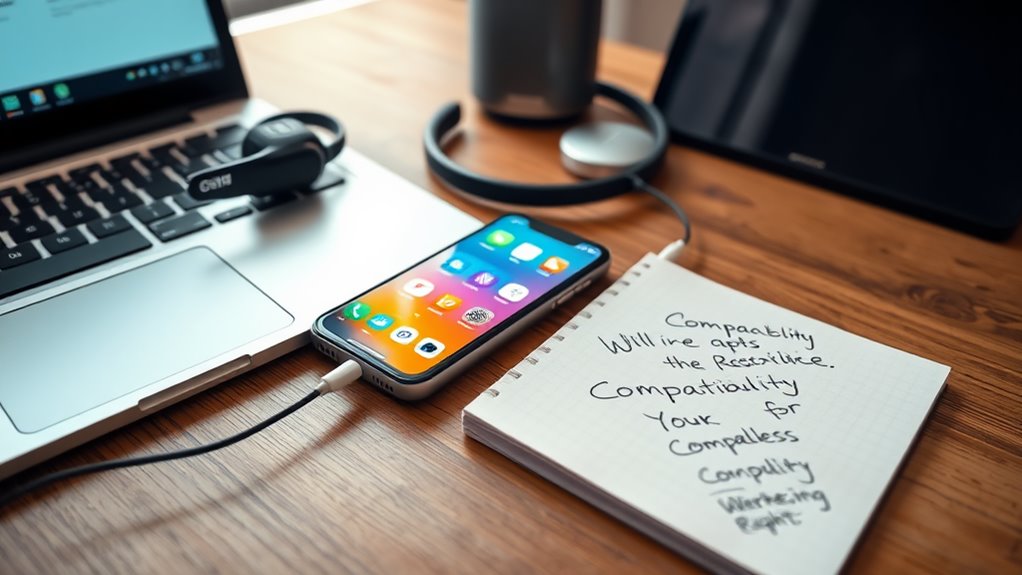
To guarantee your remote work phone meets your needs, you should evaluate its compatibility with other tools you use daily.
Consider the software and applications that are essential for your work, such as video conferencing platforms, messaging apps, and project management tools. Make sure your phone can seamlessly integrate with these applications to maintain productivity.
Check if it supports essential features like screen sharing and file transfers, which can enhance collaboration. Additionally, think about connectivity options—whether you need it to sync with your calendar or email.
Look for Ergonomic Design and Usability
An ergonomic design is vital when choosing a remote work phone, as it directly impacts your comfort and efficiency.
An ergonomic design is essential for your remote work phone, enhancing both comfort and efficiency during long hours.
You want a device that feels good in your hand and makes long hours of use manageable. Here are some features to look for:
- Curved edges: These fit comfortably against your palm, reducing strain.
- Lightweight construction: A lighter phone prevents fatigue during extended calls.
- Textured grip: This guarantees you won’t drop the device, even during busy moments.
- Intuitive button placement: Easy access to controls allows for quick adjustments without hassle.
Check for Battery Life and Portability
Comfort and usability set the foundation for a productive remote work experience, but battery life and portability can make or break your daily workflow.
When selecting your remote work phone, make certain it boasts a long-lasting battery. You don’t want to be tethered to a charger during important calls or meetings. Look for models that offer quick charging options, too—this can save you time during your busy day.
Portability is equally essential. Choose a phone that’s lightweight and fits comfortably in your hand or pocket. If you plan to work from different locations, a compact design can ease shifts between settings.
Ultimately, finding the right balance between battery life and portability guarantees you stay connected and efficient, no matter where you are.
Set a Budget and Compare Options
Before you start shopping for a remote work phone, it’s essential to determine your price range.
Research different models within that budget to find one that meets your needs.
This way, you’ll make an informed choice without overspending.
Determine Your Price Range
Setting a budget is essential when choosing a remote work phone, as it helps you narrow down your options and find the best fit for your needs.
Start by determining how much you’re willing to spend, then consider these factors to guide your decision:
- Basic models: Generally range from $100 to $300, perfect for simple calls and messaging.
- Mid-range options: Priced between $300 and $600, offering better features like good cameras and ample storage.
- High-end smartphones: Typically cost $600 and up, ideal for multitasking and advanced applications.
- Accessories: Don’t forget to include costs for headsets, charging docks, and cases.
Research Different Models
As you immerse yourself in researching different phone models, it’s essential to compare features that align with your remote work needs.
Start by looking at call quality, battery life, and compatibility with your existing technology. Consider whether you need a smartphone with various apps or a more straightforward landline option.
Make a list of the key features that matter most to you, like noise cancellation or video conferencing capabilities. Once you’ve narrowed down your preferences, set a budget and check multiple retailers for the best deals.
Don’t forget to read reviews, as they can highlight potential issues or advantages you might overlook. This thorough comparison will help you make an informed decision that enhances your remote work experience.
Frequently Asked Questions
What Are the Best Brands for Remote Work Phones?
When considering the best brands for remote work phones, look into options like Poly, Cisco, and Yealink. They offer reliable performance, excellent sound quality, and user-friendly features that enhance your remote communication experience.
Can I Use My Smartphone as a Remote Work Phone?
Yes, you can definitely use your smartphone as a remote work phone. It offers flexibility and convenience, allowing you to handle calls, messages, and video conferences from anywhere, making your work life much easier.
How Do I Set up a Remote Work Phone?
To set up a remote work phone, you’ll need to choose a reliable device, install necessary apps, connect to a stable internet source, and configure your settings for seamless communication and productivity during work hours.
Are Voip Phones Better Than Traditional Phones for Remote Work?
Yes, VoIP phones often offer better flexibility, features, and cost savings compared to traditional phones. You’ll enjoy enhanced call quality and the ability to integrate various applications, making your remote work experience smoother and more efficient.
What Accessories Improve Remote Work Phone Functionality?
To improve your remote work phone’s functionality, consider adding a high-quality headset for clear audio, a dedicated charging dock for convenience, and a noise-canceling microphone to enhance communication during calls and minimize distractions.