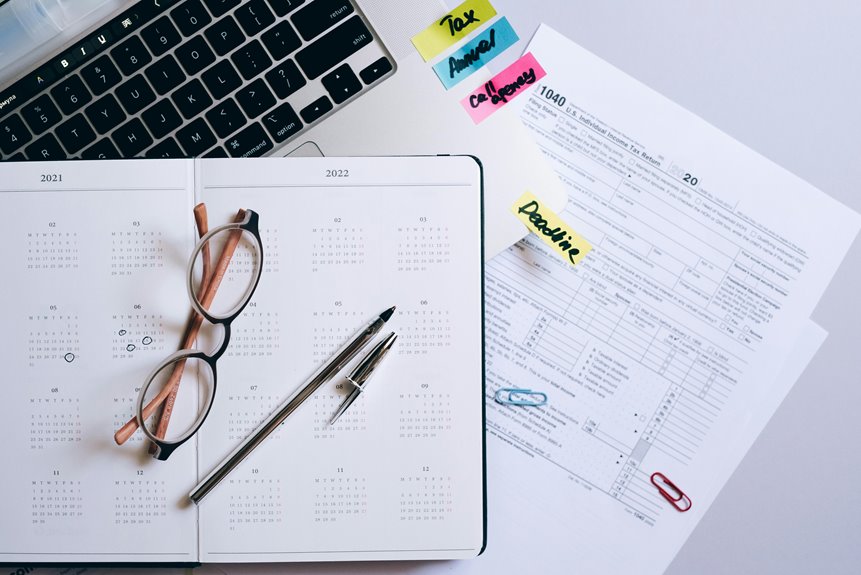
To set tax deadline alerts with calendar apps, choose a user-friendly app that allows customizable notifications. Create events for each key date, adding details like tax year and type of return. Set multiple reminders, like a week and a day before, to guarantee you stay on track. Sync your calendar across devices for easy access and organization. With a solid plan, you're well on your way to managing tax season efficiently, and there's even more to explore!
Key Takeaways
- Create a new event for each tax deadline, including relevant details like tax year and type of return for easy reference.
- Set multiple reminders for each deadline, such as one week and one day before, to ensure timely preparation.
- Use customizable notifications, including specific tones or color codes, to make tax alerts easily distinguishable from other reminders.
- Sync your calendar across all devices to access and manage tax deadlines consistently, ensuring updates are reflected everywhere.
- Organize tax-related documents in a dedicated folder and create checklists to track your progress and avoid last-minute stress.
Choosing the Right Calendar App for Tax Alerts
When you're looking to set tax deadline alerts, choosing the right calendar app can make all the difference. You want an app that's user-friendly and reliable.
Look for features like customizable notifications, so you can set alerts that suit your schedule. Integration with other tools, like email and task managers, adds convenience, allowing you to keep everything organized in one place.
Check for cross-platform compatibility, guaranteeing you can access your alerts on any device. Also, consider whether the app supports recurring events, which can help you manage annual deadlines effortlessly.
Finally, read reviews to gauge user experiences and confirm the app meets your needs for effective tax deadline management. Your choice can streamline your tax preparation process.
Setting Up Reminders for Key Tax Deadlines
Once you've selected a calendar app that meets your needs, setting up reminders for key tax deadlines becomes a straightforward task.
Start by creating a new event for each important date, such as filing deadlines or payment due dates. Include details like the tax year and type of return to keep everything organized.
Create new events for each key tax date, noting the tax year and return type for easy organization.
Next, set the date and time for your reminders. It's helpful to add multiple alerts—one a week in advance and another a day before—to guarantee you don't forget.
Label these reminders clearly, so you can quickly identify them when checking your calendar.
Finally, sync your calendar with your devices, making it easy to stay updated no matter where you are.
Customizing Notifications for Maximum Effectiveness
To guarantee your tax deadline notifications are as effective as possible, customize them based on your preferences and habits.
Tailoring your alerts guarantees you receive reminders when you need them most. Here are a few ideas to enhance your notification experience:
- Set multiple reminders: Schedule alerts for different intervals—like one week and one day before the deadline—to keep the due date fresh in your mind.
- Use specific tones or vibrations: Choose distinctive sounds or vibrations for tax notifications, making them stand out from other alerts.
- Incorporate visual cues: If your app allows, add color codes or labels to differentiate tax alerts from other tasks, helping you prioritize efficiently.
Syncing Your Calendar Across Devices
Because keeping track of tax deadlines is essential, syncing your calendar across devices guarantees you always have access to your reminders, no matter where you are. Here's how to do it effectively:
| Device | Calendar App | Syncing Method |
|---|---|---|
| Smartphone | Google Calendar | Enable sync in settings |
| Tablet | Apple Calendar | Use iCloud for syncing |
| PC | Outlook | Connect via your account |
Make certain to log into the same account on all devices to guarantee everything stays updated. Once synced, you can easily add, edit, or check your tax deadlines from any device. This way, you won't miss important dates, keeping your tax season stress-free!
Tips for Staying Organized Throughout Tax Season
While tax season can feel overwhelming, staying organized is key to managing your stress and ensuring you meet all deadlines.
Here are some tips to help you stay on top of your tax responsibilities:
- Create a dedicated folder for all tax documents, both digital and paper.
- Set specific weekly goals for gathering information and completing forms, so you don't leave everything to the last minute.
- Use checklists to track what you've completed and what still needs your attention.
Frequently Asked Questions
Can I Set Recurring Reminders for Annual Tax Deadlines?
Yes, you can set recurring reminders for annual tax deadlines. Most calendar apps allow you to customize these alerts, ensuring you never miss an important date. Just choose your frequency and set it up easily!
What if I Miss a Tax Deadline Reminder?
If you miss a tax deadline reminder, don't panic. You can still file late, but expect penalties or interest. Consider consulting a tax professional for advice on minimizing consequences and getting back on track.
Are Calendar Alerts Available Offline?
Calendar alerts typically require an internet connection to sync, but once set, you can view them offline. Just make sure your device's calendar app has cached the necessary data before you lose internet access.
Can I Share My Tax Deadline Calendar With Others?
Yes, you can share your tax deadline calendar with others. Most calendar apps let you easily share your calendar via email or a link, ensuring everyone stays informed about important dates and deadlines.
How Do I Delete a Reminder in My Calendar App?
To delete a reminder in your calendar app, open the app, find the reminder you want to remove, tap on it, and select the delete option. Confirm the deletion, and it'll be gone instantly.