
To master interview preparation for remote work success, set up a quiet, well-lit space with a clean backdrop. Familiarize yourself with tools like Zoom or Microsoft Teams, ensuring your tech works smoothly. Prepare thoughtful answers to common questions and focus on your non-verbal cues, like eye contact and posture. Dress professionally from head to toe to boost your confidence. A timely follow-up email is essential too. There’s much more you can learn to ace your remote interviews.
Key Takeaways
- Choose a quiet, well-lit location with a clean, neutral backdrop to ensure a professional interview environment.
- Familiarize yourself with technology platforms like Zoom and Microsoft Teams to avoid technical issues during the interview.
- Prepare concise answers using the STAR method and practice common interview questions to build confidence.
- Focus on non-verbal communication, maintaining eye contact and good posture to convey engagement and professionalism.
- Send a timely thank-you email highlighting specific discussion points to reinforce your interest in the position.
Understanding the Remote Interview Landscape
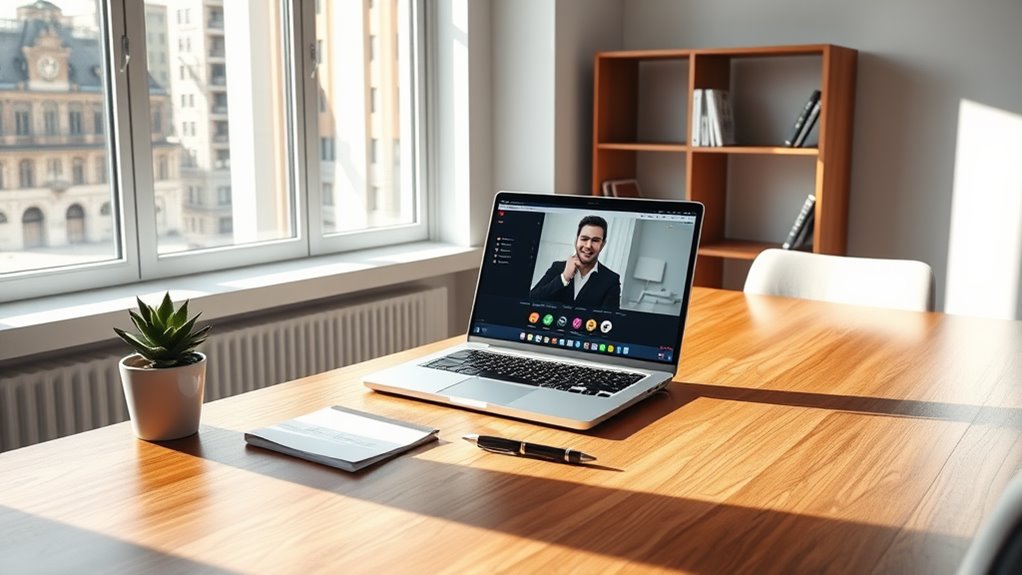
As you plunge into the world of remote interviews, it’s vital to recognize how this landscape differs from traditional in-person meetings. You won’t just be showcasing your skills; you’ll also need to navigate technology effectively. Familiarize yourself with common platforms like Zoom or Microsoft Teams, as technical glitches can derail your interview.
Additionally, body language plays an essential role, even through a screen. Maintain eye contact by looking into the camera, and make certain your facial expressions convey engagement. The interviewer’s tone may be harder to read, so listen actively and ask clarifying questions when needed.
Finally, remember that remote interviews often allow for a more flexible schedule, giving you the opportunity to prepare thoroughly and present your best self.
Setting Up Your Virtual Interview Space
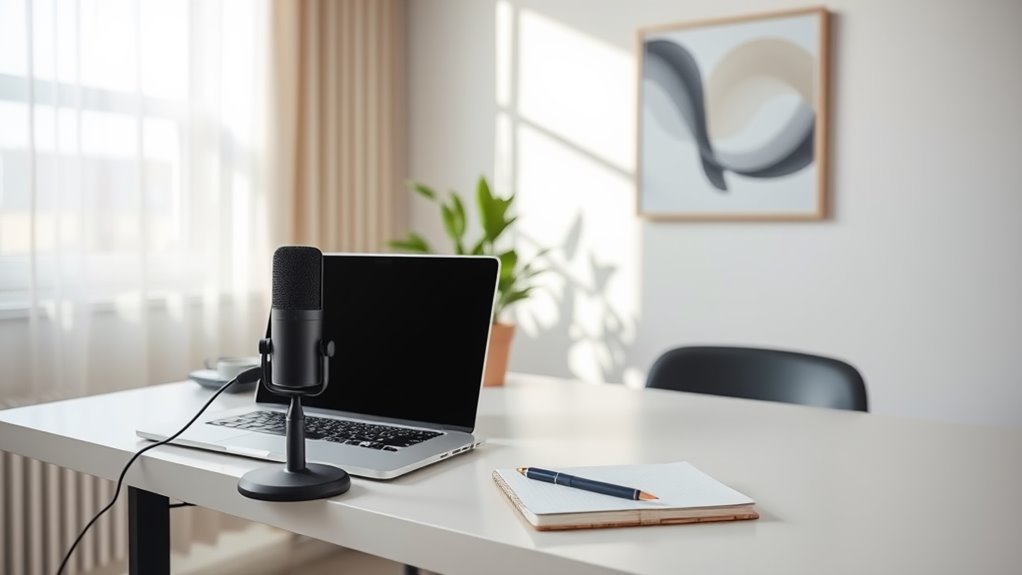
When preparing for your virtual interview, setting up the right space is essential.
You’ll want to choose a quiet location, optimize your lighting and backdrop, and test your technology beforehand.
These simple steps can make a big difference in presenting your best self to potential employers.
Choose a Quiet Location
Finding a quiet location is essential for setting up your virtual interview space. You want to minimize distractions and guarantee a professional atmosphere. Look for a spot where you won’t be interrupted, away from noises like traffic or busy household activities.
| Location Type | Pros | Cons |
|---|---|---|
| Home Office | Controlled environment | Potential interruptions |
| Bedroom | Privacy and comfort | May have personal items visible |
| Library | Quiet and focused atmosphere | Limited availability |
| Coffee Shop | Vibrant and energetic vibe | Noise and distraction risk |
| Outdoor Space | Fresh air and inspiration | Weather-dependent |
Optimize Lighting and Backdrop
Good lighting and a clean backdrop are essential for making a strong impression during your virtual interview. Position yourself facing natural light, like a window, to illuminate your face evenly. Avoid harsh overhead lights or backlighting, as these can create unflattering shadows. If natural light isn’t available, consider investing in a ring light for a professional touch.
As for your backdrop, choose a tidy, neutral space that minimizes distractions. Clear away clutter and avoid busy patterns that can divert attention.
If necessary, use a virtual background that’s simple and professional. Remember, your goal is to keep the focus on you and your message, so create an environment that reflects your professionalism and readiness for the role.
Test Technology Beforehand
After you’ve set up your lighting and backdrop, it’s time to check your technology to confirm everything runs smoothly on the day of your interview.
You don’t want any technical hiccups to disrupt your moment. Here’s a quick checklist to follow:
- Test Your Internet Connection: Verify it’s stable and fast enough for video calls.
- Check Your Audio: Test your microphone and speakers to confirm clear sound.
- Verify Your Camera: Make sure your webcam is functioning and positioned at eye level.
- Familiarize Yourself with the Platform: Practice using Zoom, Skype, or whichever tool you’ll be using to avoid surprises.
Mastering the Technology: Tools and Platforms

While you may feel confident in your interview skills, mastering the technology used for remote work is just as essential. Familiarize yourself with the platforms commonly used for virtual interviews. Knowing how to navigate these tools can set you apart from other candidates.
Here’s a quick overview of popular tools and platforms:
| Tool/Platform | Purpose |
|---|---|
| Zoom | Video conferencing |
| Microsoft Teams | Collaboration and meetings |
| Slack | Team communication |
| Google Meet | Video calls |
| Trello | Project management |
Preparing Your Answers for Common Interview Questions
Being well-versed in the technology for remote interviews is just the beginning; you also need to prepare your answers for common interview questions.
Here are some key questions you should anticipate and practice:
- Tell me about yourself – Craft a brief, engaging summary of your professional journey.
- What are your strengths and weaknesses? – Highlight relevant strengths and present weaknesses as areas for growth.
- Why do you want to work here? – Research the company and align your values with theirs.
- Describe a challenge you faced and how you overcame it. – Use the STAR method (Situation, Task, Action, Result) to structure your answer.
Practicing these responses will boost your confidence and help you present a compelling case for your candidacy.
Dressing for Success: Remote Interview Attire
When preparing for a remote interview, your attire sets the tone for your professionalism.
You’ll want to balance comfort and style by choosing appropriate clothing, colors, and fabrics that reflect your personality while adhering to the company culture.
Don’t forget the finishing touches—accessories and grooming can make a significant impact on how you’re perceived.
Professional vs. Casual Attire
How can you strike the perfect balance between professionalism and comfort when preparing for a remote interview? It’s essential to look polished while feeling at ease. Here are some tips to help you achieve that balance:
- Choose a Smart Top: Opt for a collared shirt or blouse, something that looks professional on camera.
- Pair with Comfortable Bottoms: Wear dress pants or a nice skirt, but don’t forget that shorts or joggers can be secretly comfy below the frame.
- Accessorize Wisely: A simple necklace or a watch can elevate your look without being distracting.
- Mind Your Footwear: While you may not be visible, wearing professional shoes keeps you in the right mindset.
With these tips, you’ll feel confident and ready to impress!
Color and Fabric Choices
Choosing the right colors and fabrics can greatly enhance your presence during a remote interview. Opt for solid colors like navy, grey, or earth tones—they project professionalism and confidence.
Bright colors can energize your look, but avoid overly flashy shades that might distract your interviewer.
When it comes to fabrics, choose breathable materials like cotton or wool blends to guarantee comfort during the interview. Stay away from shiny or reflective fabrics, as they can create glare on camera.
Also, consider the season; lighter fabrics work well in warmer months, while heavier materials are ideal for winter.
Ultimately, select clothing that fits well and makes you feel confident. Your attire should complement your skills—not overshadow them.
Accessories and Grooming Tips
While your outfit sets the foundation for a successful remote interview, the right accessories and grooming can elevate your appearance even further.
To guarantee you make a strong impression, consider these tips:
- Minimal Jewelry: Choose subtle pieces that complement your outfit without being distracting. A simple watch or stud earrings can add a touch of elegance.
- Neat Hairstyle: Keep your hair tidy and professional. Whether it’s pulled back or styled neatly, make sure it looks polished.
- Makeup (if applicable): Go for a natural look that enhances your features. Aim for a fresh, well-groomed appearance.
- Good Lighting: Position yourself in well-lit areas to highlight your best features and create a warm atmosphere.
With these tips, you’ll be ready to impress!
Non-Verbal Communication in a Virtual Setting
Although you may think verbal communication is the primary focus in a virtual interview, non-verbal cues play an essential role in conveying your confidence and professionalism.
Your posture matters; sit up straight to show engagement and interest. Make eye contact by looking at the camera, not just the screen, to create a connection with your interviewer. Smile genuinely to convey warmth and approachability.
Posture, eye contact, and a genuine smile are key to demonstrating engagement and building rapport during your virtual interview.
Pay attention to your facial expressions; they should align with your message. Use hand gestures moderately to emphasize key points, but avoid overdoing it.
Finally, confirm your background is tidy and uncluttered, as it reflects your organizational skills. Mastering these non-verbal aspects can greatly enhance your virtual interview performance and leave a lasting impression.
Following Up After the Interview
Following up after the interview is an essential step that can set you apart from other candidates. It shows your enthusiasm and professionalism.
Here’s how to do it effectively:
- Send a Thank-You Email: Express gratitude for the opportunity and reiterate your interest in the position.
- Highlight Key Points: Mention specific topics discussed during the interview that reinforce your fit for the role.
- Be Timely: Aim to send your email within 24 hours to keep you fresh in the interviewer’s mind.
- Stay Professional: Maintain a professional tone, and avoid being overly casual or pushy.
Practicing for Success: Mock Interviews and Feedback
Preparing for a remote job interview can feel challenging, but practicing through mock interviews is one of the most effective ways to boost your confidence and performance. By simulating the interview environment, you can refine your responses and get comfortable with the technology involved.
Ask a friend or mentor to conduct the mock interview, focusing on common questions and your ability to articulate your skills clearly.
After each session, seek constructive feedback on your delivery and body language. Take notes on areas for improvement and practice those specific aspects.
The more you prepare, the more natural and confident you’ll appear during the actual interview. Remember, practice makes perfect, and each mock interview brings you one step closer to success.
Frequently Asked Questions
How Do I Research the Company Before a Remote Interview?
To research the company before your remote interview, visit their website, read recent news articles, check their social media profiles, and explore employee reviews. This’ll give you insights into their culture and values.
What Time Zone Should I Consider for Scheduling Remote Interviews?
When scheduling remote interviews, consider the time zones of both you and the interviewer. It’s essential to find a mutually convenient time that respects everyone’s availability, ensuring an efficient and stress-free interview experience.
Can I Use Notes During a Remote Interview?
Yes, you can use notes during a remote interview. Just make sure they’re organized and easy to reference. It’ll help you stay focused and provide clear answers without seeming overly reliant on them.
How Should I Handle Technical Difficulties During the Interview?
If you encounter technical difficulties during the interview, stay calm. Communicate the issue clearly to your interviewer, try to troubleshoot quickly, and don’t hesitate to ask for a moment to resolve the problem.
What Should I Do if I Feel Nervous in a Virtual Interview?
If you feel nervous in a virtual interview, take a deep breath and remind yourself it’s normal. Practice beforehand, maintain eye contact, and focus on your strengths. You’ve got this, so stay confident and engaged!