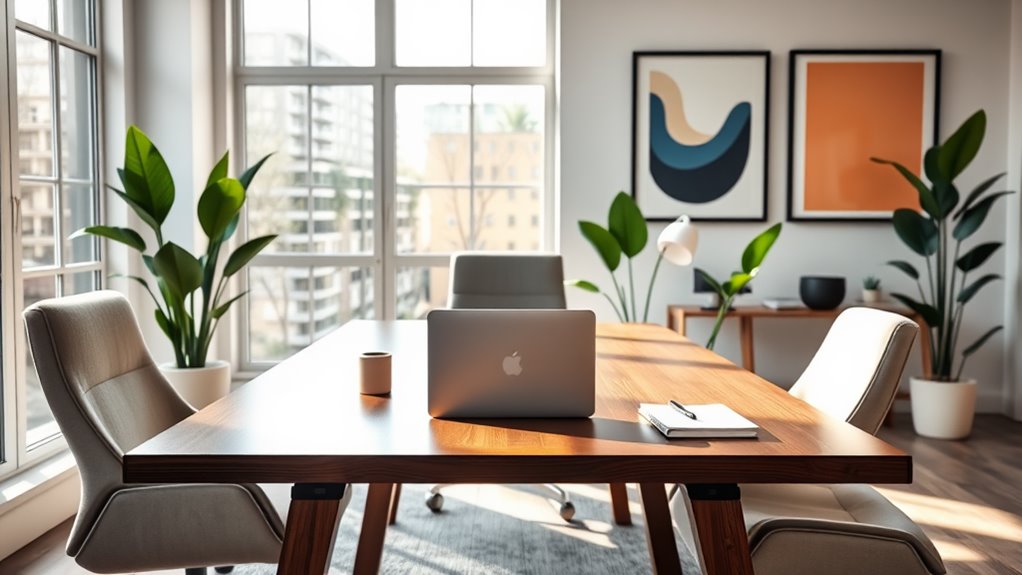
To maximize productivity in your home office, start by designing a functional layout that minimizes distractions and enhances comfort. Incorporate ergonomic furniture, effective tools, and technology to streamline your workflow. Use time management strategies to stay focused while setting clear boundaries to separate work from personal life. Don’t forget the importance of regular breaks to recharge your mind. You’ll discover even more practical tips and techniques to elevate your productivity as you explore further.
Key Takeaways
- Design a distraction-free home office layout with ergonomic furniture to enhance comfort and productivity.
- Utilize task management software to track projects and set clear daily goals for effective time management.
- Incorporate regular breaks using the Pomodoro Technique to recharge and maintain high levels of focus.
- Establish boundaries by communicating work hours and creating a dedicated workspace to minimize interruptions.
- Invest in essential tools like noise-canceling headphones and dual monitors to streamline your workflow and boost efficiency.
Designing Your Ideal Home Office Layout
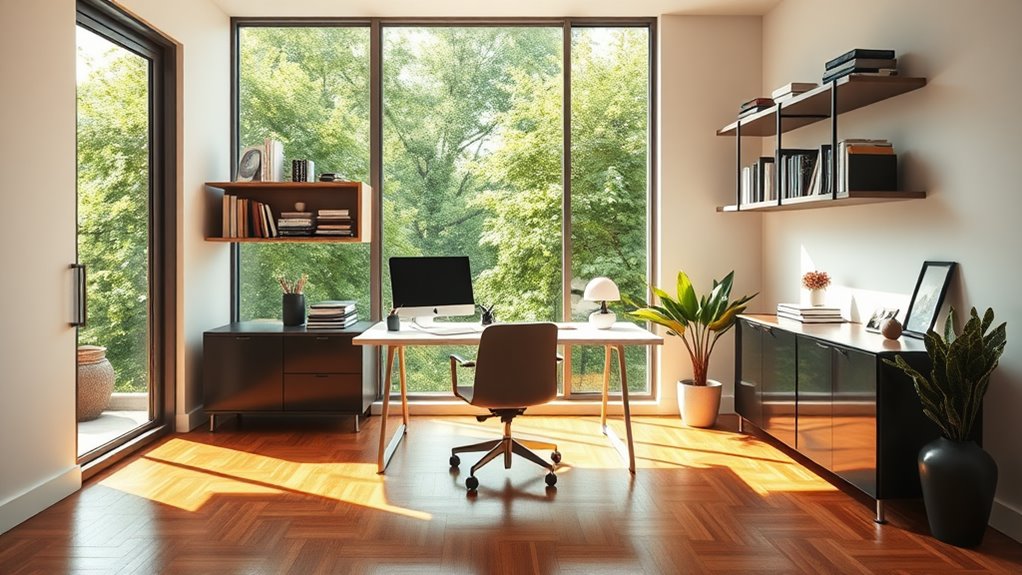
When you design your ideal home office layout, think about how your space can enhance productivity and comfort. Start by choosing a designated area that’s free from distractions. A quiet nook or a spare room can work wonders.
Position your desk near natural light to keep your energy up throughout the day. Use shelves and storage solutions to keep your workspace organized and clutter-free, allowing you to focus on tasks at hand.
Position your desk to harness natural light and utilize storage solutions to maintain an organized, distraction-free workspace.
Don’t forget about technology; make sure your computer and other devices are easily accessible. Incorporate a comfortable chair and a few personal touches to make the space inviting.
Finally, consider how you can create zones for different activities, like brainstorming or video calls, to keep your workflow efficient.
Ergonomics: Creating a Comfortable Workspace

When setting up your workspace, focusing on ergonomics is key to your comfort and productivity.
A well-arranged desk and the right chair can make all the difference in how you feel during long hours of work.
Let’s explore some essential tips to create a workspace that supports your well-being.
Desk Setup Essentials
A well-organized desk setup is essential for boosting your productivity and comfort while working from home.
You need to make certain that your workspace promotes good posture and minimizes distractions.
Here are five essentials to take into account for an effective desk setup:
- Adjustable Monitor: Position it at eye level to reduce neck strain.
- Keyboard and Mouse: Use ergonomic options to prevent wrist discomfort.
- Desk Organizer: Keep your essentials tidy and within reach.
- Good Lighting: Use a desk lamp to reduce eye strain and enhance focus.
- Cable Management: Tidy up cords to avoid clutter and distractions.
Chair Selection Tips
An ergonomic chair is just as important as a well-organized desk setup for maintaining productivity and comfort while working from home.
When choosing a chair, look for adjustable features like seat height, armrests, and lumbar support. This way, you can customize the chair to fit your body perfectly. A seat depth that allows your back to rest against the backrest while keeping your feet flat on the ground is essential.
Also, consider breathable materials to enhance comfort during long hours. Remember to check the chair’s weight capacity and warranty for durability.
Finally, test the chair in-store if possible; comfort can’t be fully determined online. Investing in a quality chair pays off in improved focus and reduced discomfort.
Essential Tools and Technology for Efficiency
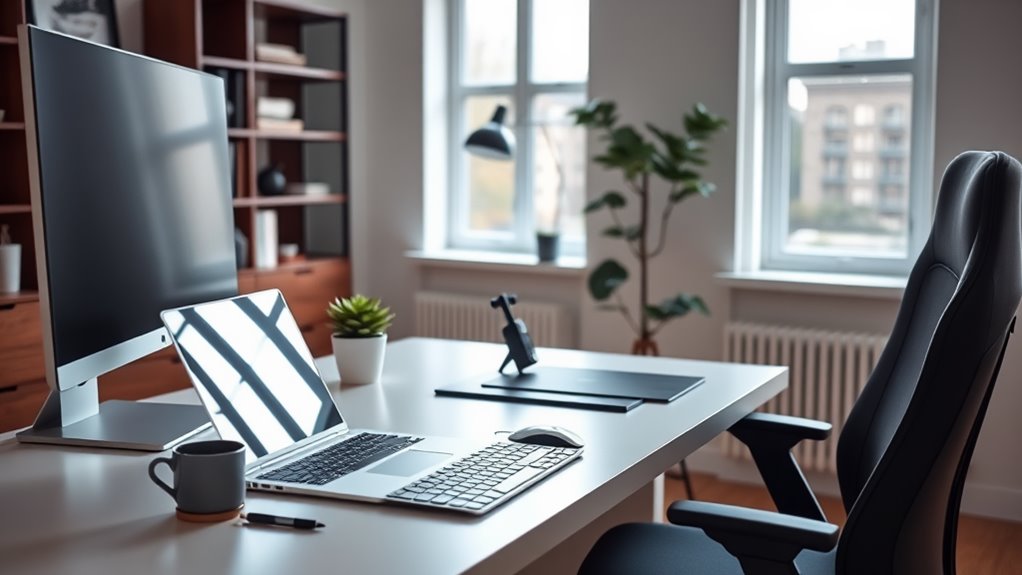
To boost your productivity while working from home, investing in the right tools and technology is essential.
These resources can streamline your workflow and enhance your focus, making your home office more efficient.
Here are some must-have items that can help you achieve that:
- Ergonomic keyboard and mouse: Reduce strain and improve comfort during long hours.
- Noise-canceling headphones: Block distractions for better concentration.
- Task management software: Keep track of projects and deadlines effortlessly.
- High-speed internet connection: Guarantee smooth video calls and fast downloads.
- Dual monitors: Increase screen real estate for multitasking and enhanced productivity.
With these tools, you’ll find it easier to stay organized and focused, ultimately maximizing your work-from-home experience.
Time Management Strategies for Remote Workers
While working remotely can offer flexibility, it also demands effective time management to guarantee you stay productive. Start by setting clear goals for each day.
Break tasks into smaller, manageable chunks, making it easier to track progress. Use techniques like the Pomodoro Technique, where you work for 25 minutes and then take a 5-minute break. This keeps your focus sharp and prevents burnout.
Prioritize your tasks based on urgency and importance, tackling the most critical ones first. Don’t forget to schedule regular breaks throughout your day to recharge.
Utilize digital tools like calendars and to-do lists to stay organized. Finally, reflect on your productivity weekly to identify areas for improvement, ensuring you continuously refine your approach to time management.
Setting Boundaries: Separating Work and Home Life
Establishing clear boundaries between work and home life is essential for maintaining your productivity and mental well-being. Without these boundaries, it’s easy to let work seep into your personal time, leading to burnout.
Here are some strategies to help you separate the two:
- Set specific work hours and stick to them.
- Create a dedicated workspace to signal when you’re “on the clock.”
- Use a “do not disturb” sign during work hours to minimize interruptions.
- Establish tech-free times to unwind and disconnect.
- Communicate your boundaries with family and friends to guarantee they respect your work time.
Incorporating Natural Light and Greenery
Creating a productive home office goes beyond just setting boundaries; it also involves optimizing your environment. One key element is incorporating natural light.
Position your desk near windows to soak up sunlight, which can boost your mood and energy levels. If that’s not possible, consider full-spectrum light bulbs that mimic natural light.
Adding greenery to your space can further enhance your productivity. Indoor plants not only enhance air quality but also create a calming atmosphere.
Choose low-maintenance options like succulents or snake plants, which thrive in various conditions.
Staying Organized: Decluttering Your Workspace
To enhance your productivity, it’s crucial to keep your workspace organized and clutter-free. A tidy environment not only boosts your focus but also reduces stress.
A clean workspace fosters productivity, enhancing focus and alleviating stress for a more efficient workday.
Start by evaluating what you really need and eliminate distractions. Here are some tips to help you declutter:
- Clear your desk: Remove unnecessary items and keep only essentials within reach.
- Use storage solutions: Invest in organizers or bins to categorize documents and supplies.
- Go digital: Scan important papers and store them electronically to minimize physical clutter.
- Set daily limits: Allocate time each day to tidy up and maintain order.
- Create a system: Implement a filing system for easy access to important documents.
Motivational Techniques to Keep You Focused
To boost your productivity, setting clear goals and managing your time effectively is essential.
You’ll find that having specific targets keeps you motivated and focused throughout the day.
Plus, mastering time management helps you make the most of your work hours, ensuring you stay on track.
Goal Setting Strategies
While setting goals might seem straightforward, the right strategies can considerably enhance your focus and motivation.
To effectively set and achieve your goals, consider these techniques:
- Be Specific: Clearly define what you want to accomplish.
- Set Measurable Goals: Establish criteria to track your progress.
- Break It Down: Divide larger goals into manageable tasks to avoid overwhelm.
- Set Deadlines: Create a timeline to keep yourself accountable.
- Visualize Success: Picture reaching your goal, reinforcing your commitment.
Time Management Tips
Achieving your goals requires more than just setting them; effective time management is key to maintaining your focus and motivation. Here are some tips to help you stay on track:
| Tip | Description |
|---|---|
| Prioritize Tasks | Focus on the most important tasks first. |
| Set Deadlines | Create specific time frames for each task. |
| Break Tasks into Steps | Divide larger tasks into manageable actions. |
| Use a Timer | Work in bursts (e.g., 25 minutes) to boost focus. |
| Reflect and Adjust | Review your progress weekly and make adjustments. |
Regular Breaks: The Key to Sustained Productivity
Taking regular breaks isn’t just a luxury; it’s essential for maintaining high levels of productivity. When you step away from your tasks, you allow your mind to recharge and prevent burnout.
These short pauses can enhance your focus and creativity, making you more effective in the long run.
Consider incorporating breaks into your work routine. Here are some effective strategies:
- Set a timer for 25-30 minutes of focused work, then take a 5-minute break.
- Use your breaks to stretch or walk around to boost circulation.
- Hydrate with water or a healthy snack to keep energy levels stable.
- Practice mindfulness or deep breathing during breaks to reduce stress.
- Limit screen time during breaks to give your eyes a rest.
Frequently Asked Questions
How Can I Personalize My Home Office for Inspiration?
To personalize your home office for inspiration, incorporate elements that resonate with you. Add artwork, plants, or meaningful quotes. Choose colors that energize you, and arrange your space to reflect your style and preferences.
What Are the Best Colors for a Productive Workspace?
The best colors for a productive workspace are calming blues, energizing yellows, and revitalizing greens. These hues stimulate creativity and focus, so choose shades that resonate with you to create your ideal working environment.
How Do I Manage Distractions From Family During Work Hours?
To manage distractions from family during work hours, set clear boundaries. Communicate your schedule, use a designated workspace, and establish “do not disturb” signals. Prioritize focus time, and don’t hesitate to ask for support.
Can Pets Be Beneficial or Distracting in a Home Office?
Pets can be both beneficial and distracting in a home office. They provide companionship and stress relief, but their antics might interrupt your focus. You’ll need to find a balance that works for you.
What Are Some Budget-Friendly Office Decor Ideas?
You can enhance your home office without breaking the bank. Try DIY wall art, repurpose old furniture, use plants for a fresh vibe, or create a vision board to inspire creativity and keep you motivated.