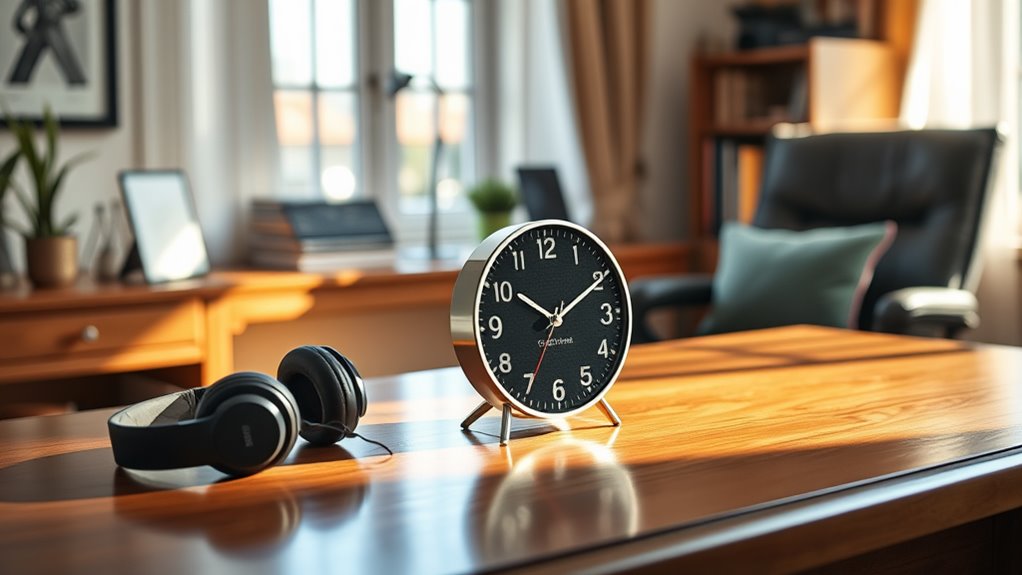
A talking clock is essential for your home office productivity, especially if you’re visually impaired. It announces the time and date at the push of a button, helping you stay focused without constantly checking a traditional clock. With adjustable volume, alarms, and reminders, you can manage your schedule easily. This device reduces stress and enhances your time awareness, allowing for smoother workflows. Discover how to set up and maximize your talking clock for even greater productivity.
Key Takeaways
- A talking clock provides clear verbal time announcements, enhancing time awareness and productivity in a home office setting.
- Voice-activated alarms and timers help manage deadlines and meetings without needing to visually check the time.
- Adjustable volume settings ensure personalized sound levels, allowing for comfortable audio feedback during work.
- The device reduces eye strain by eliminating the need to look at a traditional clock, promoting longer work periods.
- With features supporting self-management, a talking clock fosters independence and routine consistency for visually impaired users.
Understanding the Features of a Talking Clock
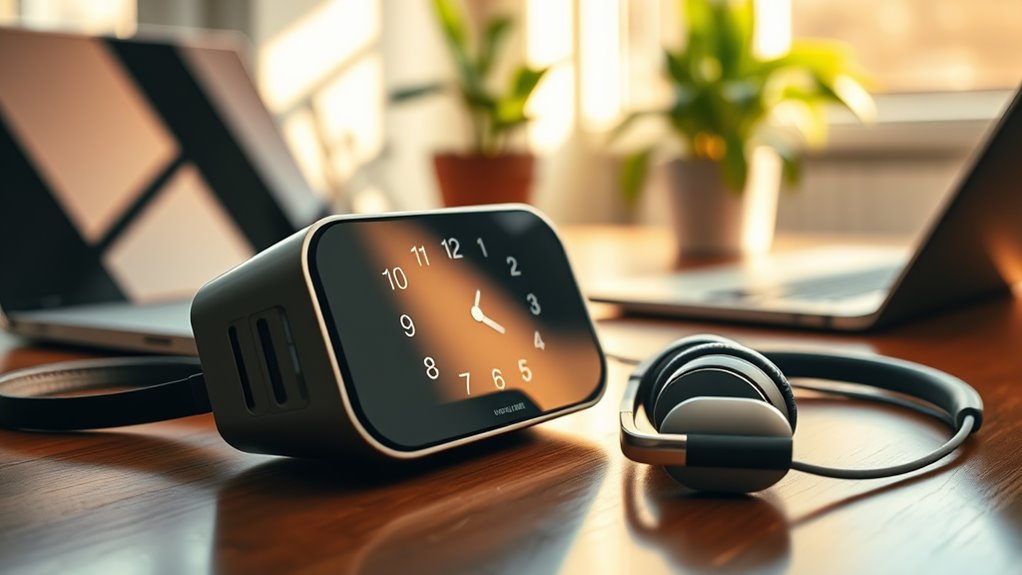
When you consider a talking clock, you’ll find it packed with features designed to enhance accessibility for visually impaired users. These clocks often announce the time and date at the push of a button, providing auditory feedback that’s easy to understand.
Many models include adjustable volume settings, so you can customize the sound level to suit your needs. Some even have a backlit display, allowing for visibility in low-light conditions.
You’ll appreciate features like alarms and timers that can be set with simple voice commands or tactile buttons. Additionally, some clocks offer multiple languages, making them versatile for users from diverse backgrounds.
Benefits of Using a Talking Clock in a Home Office
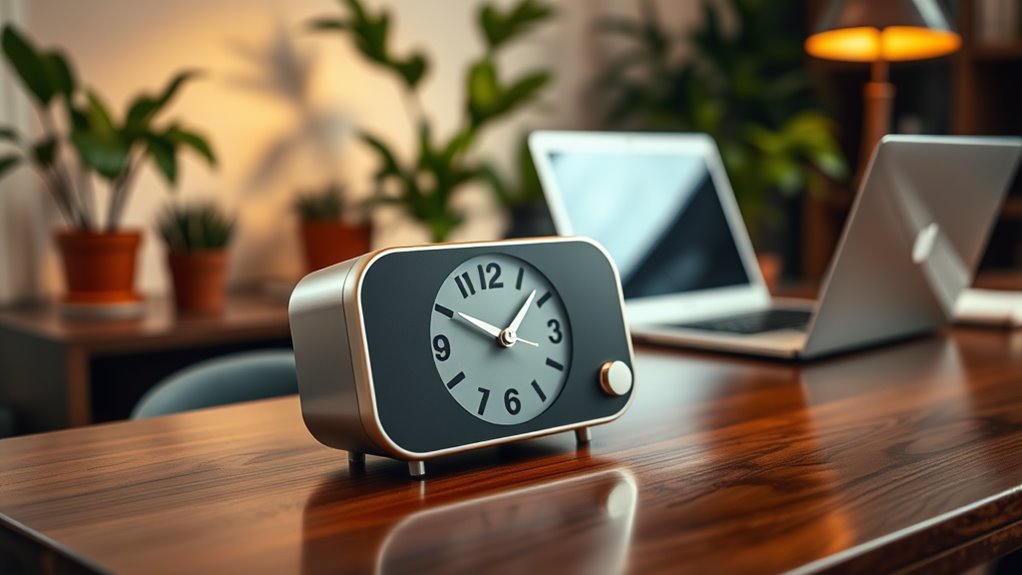
A talking clock can greatly enhance productivity in a home office setup. By providing clear time announcements, it eliminates the need for you to glance at a traditional clock, allowing you to stay focused on your tasks. You can easily set reminders and alarms, ensuring you never miss important deadlines or meetings. This feature is especially helpful if you’re managing multiple projects simultaneously.
Additionally, a talking clock can reduce eye strain, making it easier to work for longer periods without discomfort. Its user-friendly design means you can adjust settings with minimal effort, promoting a seamless workflow.
How a Talking Clock Enhances Time Management

A talking clock can greatly boost your time management skills by keeping you aware of the hours passing by.
With its helpful reminders, you can stay focused on your tasks and avoid distractions.
Plus, it simplifies scheduling, making it easier to plan your day effectively.
Improved Time Awareness
Many people struggle with time management, but a talking clock can greatly enhance your awareness of time. By providing you with verbal time updates, it keeps you informed without needing to glance at a traditional clock.
This constant reminder helps you stay on track with your schedule, ensuring you don’t lose sight of deadlines or important tasks. You can set alarms or reminders, making it easier to break your work into manageable intervals.
As you hear the time spoken aloud, you can adjust your pace and prioritize tasks accordingly. This way, you’ll find yourself more in control of your day, leading to a more productive home office environment.
With a talking clock, time becomes a resource you can effectively manage.
Increased Work Focus
Staying aware of time isn’t just about keeping track of deadlines; it’s also about maintaining focus on your tasks. A talking clock can be a game changer in this regard.
As you work, it gently reminds you of the passing minutes, keeping you anchored to your objectives. Instead of glancing at a traditional clock, you can stay immersed in your work, allowing the clock to alert you verbally when it’s time to shift gears or take a break.
This auditory cue minimizes distractions, helping you concentrate better. By reinforcing your time awareness without breaking your flow, a talking clock enhances your productivity, ensuring you’re not just working harder but also smarter.
Simplified Scheduling Tasks
When it comes to managing your schedule, a talking clock can greatly simplify the process. You can effortlessly set reminders and appointments, ensuring you never miss an important task. With its audible alerts, you’ll keep your day structured and focused. Here’s a glimpse of how you might organize your day:
| Time | Task | Reminder |
|---|---|---|
| 8:00 AM | Team Meeting | 10 minutes prior |
| 10:00 AM | Project Deadline | 15 minutes prior |
| 12:00 PM | Lunch Break | 5 minutes prior |
| 2:00 PM | Client Call | 10 minutes prior |
| 4:00 PM | Wrap-Up Tasks | 30 minutes prior |
Setting Up Your Talking Clock for Optimal Use
To get the most out of your talking clock, you’ll want to think carefully about where you place it and how you configure the audio settings.
Positioning it within easy reach guarantees you can access it effortlessly throughout the day.
Adjusting the audio settings will help you achieve the best sound quality for clear time announcements.
Clock Placement Strategies
Choosing the right spot for your talking clock can greatly enhance its usability. Position it within arm’s reach on your desk or workspace, so you can easily press the button to hear the time without straining.
Make certain it’s in a spot where you won’t accidentally knock it over or obscure it with papers. If you use multiple devices, place the clock in a centralized location to minimize distractions.
Consider placing it near your computer or writing area, making it easy to monitor time while working. Avoid dark corners or cluttered areas; good lighting guarantees you can locate it quickly.
Audio Settings Configuration
Configuring the audio settings on your talking clock is essential for ensuring you hear the time clearly and comfortably. Start by adjusting the volume to a level that suits your environment. Next, choose the voice type that you find most pleasant and easy to understand. Finally, set the announcement frequency to match your needs—whether you want it to announce the time every hour or at specific intervals.
| Setting | Description | Suggested Value |
|---|---|---|
| Volume | Adjust the loudness of the clock | Medium (50%) |
| Voice Type | Choose a voice for announcements | Female, Natural |
| Announcement Frequency | How often time is announced | Every hour |
| Language | Select the language for voice | English |
Integrating Reminders and Alerts Into Your Workflow
While managing daily tasks can be challenging, integrating reminders and alerts into your workflow can greatly enhance your productivity. Using a talking clock, you can set specific reminders for meetings, deadlines, and breaks. By programming your clock to announce these alerts at designated times, you’ll stay on track throughout the day.
Consider creating a routine where your clock reminds you to check emails or follow up on tasks. You can also use voice commands to set reminders quickly, ensuring you won’t miss important commitments.
Additionally, integrating reminders for self-care, like hydration or stretching, keeps you focused and energized. By effectively utilizing these features, you’ll streamline your workflow and make your home office more efficient.
Choosing the Right Talking Clock for Your Needs
How do you find the right talking clock that meets your specific needs? Start by considering your daily routine.
Do you need a clock that announces the time at regular intervals, or one that responds only when you press a button? Look for features like adjustable volume and speech clarity, which can make a big difference.
Consider whether you prefer a clock that announces time automatically or one that activates with a button press for personalized convenience.
Think about additional functions, too—some clocks offer alarms or timers. Make sure the design suits your space; whether you want a bedside model or one for your desk, aesthetics matter.
Finally, read user reviews to understand how others with similar needs have fared. By focusing on these factors, you’ll choose a talking clock that enhances your productivity and fits seamlessly into your life.
Success Stories: Real-Life Benefits of Talking Clocks
Many individuals have discovered the life-changing benefits of using talking clocks, transforming their daily routines and enhancing their independence. You’ll find that these devices not only help with time management but also boost confidence in completing daily tasks.
Here are some real-life benefits you might experience:
- Enhanced Time Awareness: Stay punctual for meetings and appointments without relying on visual cues.
- Improved Routine: Easily manage your daily schedule, making it easier to stick to important tasks.
- Increased Independence: Perform daily activities like cooking or taking medications without assistance, thanks to auditory feedback.
- Stress Reduction: Eliminate anxiety about keeping track of time, allowing you to focus more on your work and less on the clock.
With a talking clock, you can truly reclaim your time.
Frequently Asked Questions
Can a Talking Clock Assist With Medication Reminders?
Yes, a talking clock can definitely assist you with medication reminders. It announces the time and alerts you when it’s time to take your medication, ensuring you never miss a dose and stay on track.
Are Talking Clocks Compatible With Smart Home Devices?
Talking clocks often aren’t directly compatible with smart home devices. However, some models offer Bluetooth or Wi-Fi features, allowing you to integrate them with smart systems. Check specific product details for compatibility options.
How Long Does the Battery Last in a Talking Clock?
The battery life in a talking clock typically lasts between six months to a year, depending on usage. You should check the specifications for your model to get the most accurate estimate.
Is There a Warranty on Talking Clocks?
Yes, most talking clocks come with a warranty. You should check the specific product details for duration and coverage. It’s always a good idea to keep your receipt for any warranty claims you might need.
Can I Customize Voice Settings on My Talking Clock?
Yes, you can customize voice settings on your talking clock. Most models allow you to adjust the volume and choose from different voice options, ensuring it fits your preferences for clarity and comfort.