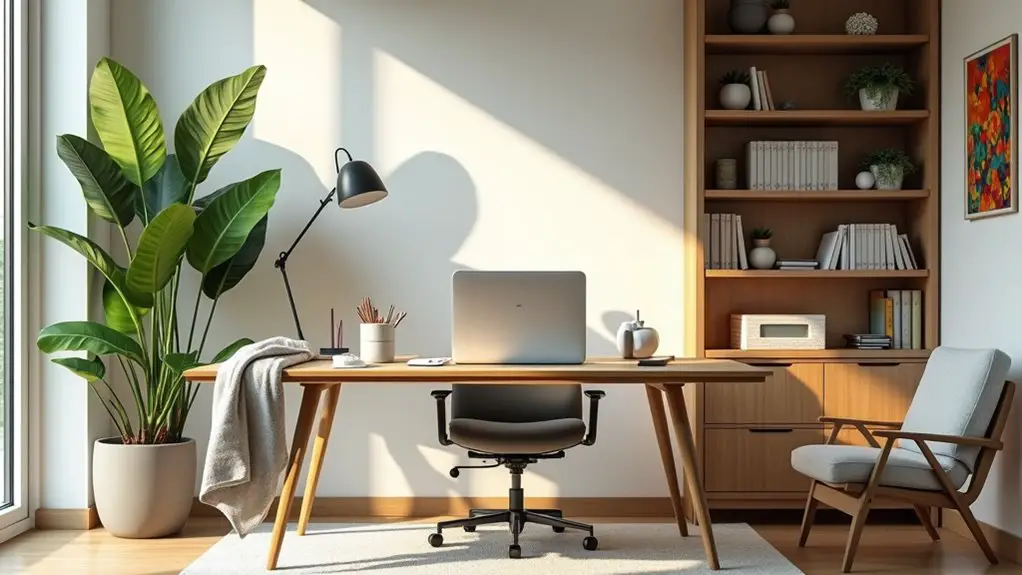
The post-pandemic home office has embraced comfort with ergonomic furniture, smart technology, and personalization. You'll want to prioritize adaptable workspaces that cater to your changing needs while incorporating tools that enhance productivity and collaboration. Creating boundaries between work and home life is essential for maintaining balance. Plus, eco-friendly office designs are becoming increasingly popular. Stay tuned to discover more about how these trends are shaping work environments and what they mean for your productivity.
Key Takeaways
- Ergonomic and flexible furniture will remain essential, promoting comfort and productivity during extended work-from-home hours.
- Technology integration, including automation and project management tools, will continue to streamline workflows and enhance team collaboration.
- Real-time communication features and virtual meeting tools will be vital for maintaining effective teamwork and accountability in remote settings.
- Personalized workspaces will be prioritized, as individuals seek to create inspiring environments that balance work and life efficiently.
- Designated work areas within the home will help establish boundaries, supporting better work-life balance and productivity.
Ergonomic Furniture: Prioritizing Comfort and Health
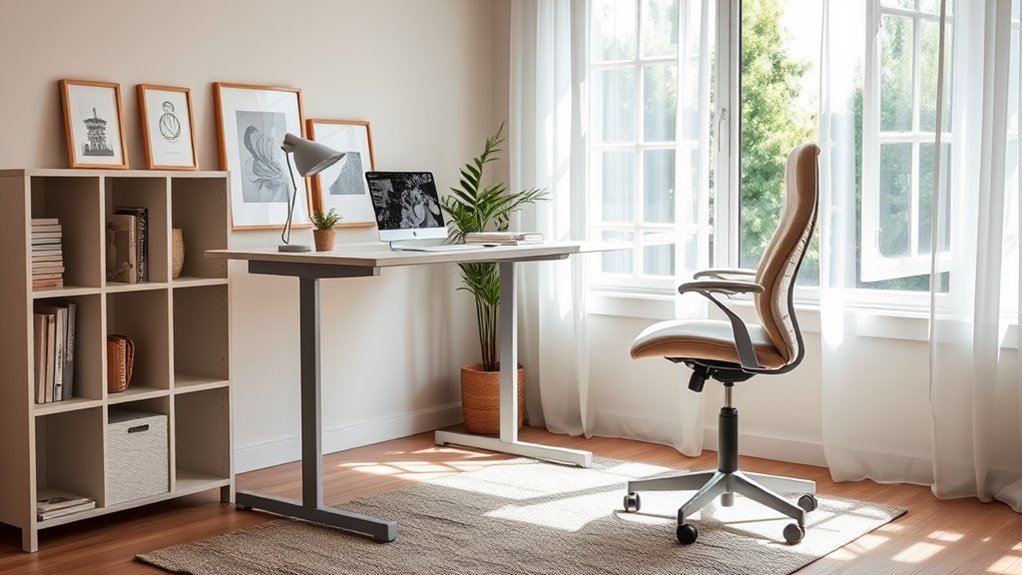
As you settle into your home office, investing in ergonomic furniture becomes essential for maintaining your comfort and health during long workdays.
A good chair that supports your lower back can make a significant difference, allowing you to focus without discomfort. Consider a height-adjustable desk that lets you alternate between sitting and standing, promoting better posture and circulation.
Accessories like a supportive keyboard and mouse can prevent strain on your wrists. Adding a monitor stand can also help keep your screen at eye level, reducing neck tension.
Investing in a supportive keyboard and mouse, along with a monitor stand, can greatly reduce wrist strain and neck tension.
By prioritizing ergonomic solutions, you'll not only enhance your productivity but also safeguard your well-being.
Ultimately, creating a comfortable workspace is an investment in your long-term health and efficiency.
Technology Integration: Smart Solutions for Productivity
As you set up your home office, integrating technology can greatly boost your productivity.
Embracing automation, using virtual collaboration tools, and investing in ergonomic tech solutions can streamline your workflow.
Let's explore how these smart solutions can transform your work-from-home experience.
Automation for Efficiency
While maneuvering through the complexities of remote work, integrating automation into your home office can dramatically enhance productivity.
Simple tools like automated reminders and task management apps streamline your workflow, ensuring you stay on track. Smart devices, such as voice-activated assistants, can manage schedules, control lighting, and even set the perfect ambiance for focus.
Additionally, automating repetitive tasks, like email sorting or data entry, frees up your time for more creative endeavors. By leveraging these technologies, you can minimize distractions and maximize efficiency, making your work environment more conducive to success.
Embrace automation, and you'll not only improve your productivity but also create a more enjoyable, balanced remote work experience.
Virtual Collaboration Tools
Many professionals find that virtual collaboration tools are essential for maintaining productivity in a remote work environment.
These tools not only facilitate communication but also enhance teamwork and project management.
Here are three key benefits you can experience:
- Real-Time Communication: Instant messaging and video calls allow for quick discussions, reducing email overload and enhancing clarity.
- File Sharing and Collaboration: Platforms like Google Drive and Dropbox enable you to share documents and work on them simultaneously, streamlining the process.
- Project Management: Tools like Trello and Asana help you organize tasks, set deadlines, and track progress, keeping everyone aligned.
Ergonomic Tech Solutions
To enhance your productivity in a home office, integrating ergonomic tech solutions can make a significant difference.
Invest in an adjustable standing desk that allows you to switch between sitting and standing, reducing strain on your back. Pair it with an ergonomic chair that supports your posture and keeps you comfortable during long hours.
Consider a monitor riser to position your screen at eye level, minimizing neck strain. Additionally, using a keyboard and mouse designed for comfort can help prevent repetitive strain injuries.
Don't forget about tools like footrests and wrist supports to create a more ergonomic workspace.
Personalization: Making the Space Your Own
How can you transform your home office into a true reflection of your personality?
Personalization is key. By infusing your space with elements that resonate with you, you'll create an inspiring environment.
Infuse your space with personal elements to create an inspiring environment that resonates with you.
Here are three ways to make it uniquely yours:
1. Color Palette: Choose colors that uplift your mood.
Whether it's calming blues or energizing yellows, your walls and decor should reflect your vibe.
2. Artwork & Decor: Display artwork that inspires you or decor that tells your story.
Family photos, travel mementos, or favorite quotes can add a personal touch.
3. Functional Accessories: Incorporate items that make your work easier and more enjoyable, like a stylish planner or a unique desk organizer.
Embrace personalization, and watch your productivity soar!
Flexible Workspaces: Adapting to Changing Needs
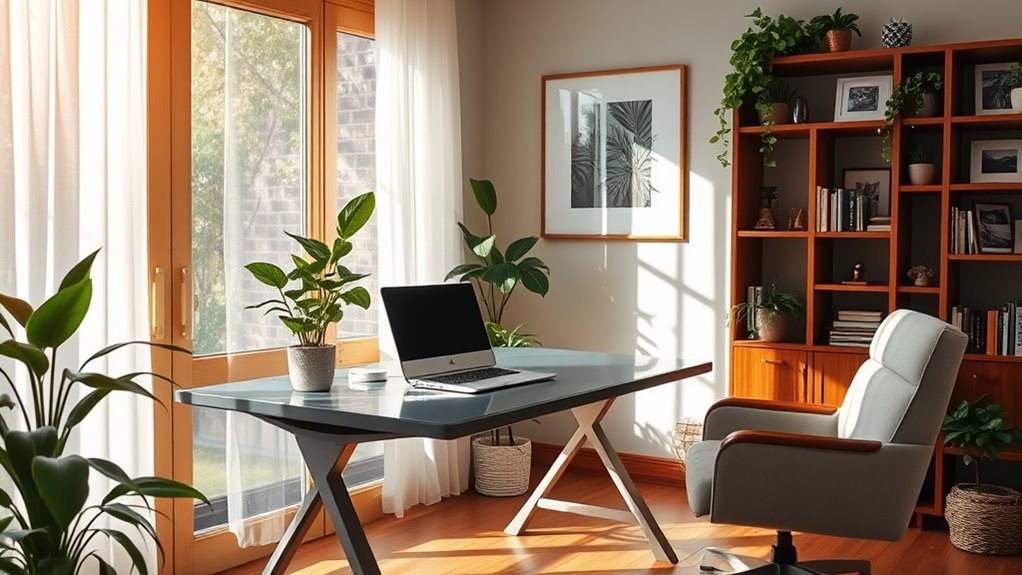
As you personalize your home office, consider the importance of flexibility in your workspace. Adapting your environment to changing needs can greatly enhance productivity and comfort.
Incorporate versatile furniture that allows you to switch between standing and sitting, or choose modular pieces that can be easily reconfigured.
Think about multifunctional spaces; for instance, a corner that serves as both a work area and a reading nook can help you shift from work mode to relaxation effortlessly.
Don't forget to create zones for different tasks. Designate specific areas for meetings, focused work, or creative brainstorming.
Work-Life Balance: Creating Boundaries at Home
While remote work offers flexibility, it can blur the lines between your professional and personal life, making it essential to establish clear boundaries at home.
Remote work provides flexibility, yet it can merge work and home life, highlighting the need for clear boundaries.
Here are three effective strategies to help you create that balance:
- Designate a Workspace: Choose a specific area in your home as your office. This separation helps signal when you're "at work" and when you're "at home."
- Set a Schedule: Stick to regular work hours and communicate these to your team and family. This way, everyone knows when you're available and when you're not.
- Take Breaks: Schedule regular breaks to recharge. Use this time to step away from your screen and engage in personal activities, helping you maintain focus and productivity.
Sustainable Practices: Eco-Friendly Office Designs
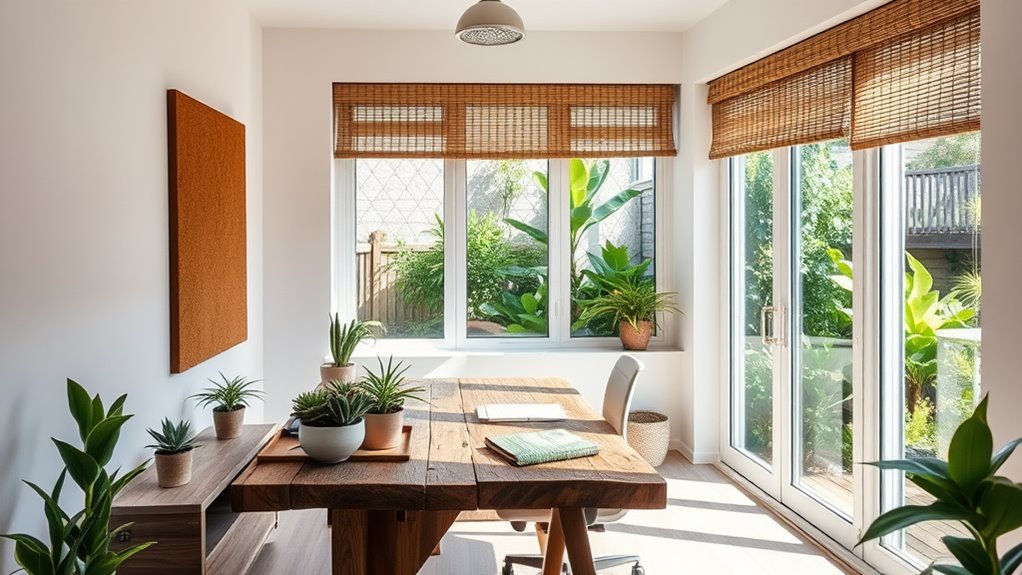
Balancing work and personal life at home sets the stage for a more productive environment, but considering the planet's health is equally important.
You can create a sustainable workspace by choosing eco-friendly materials, like reclaimed wood or recycled metal for furniture. Opt for energy-efficient lighting, such as LED bulbs, to reduce your carbon footprint.
Incorporating plants not only enhances aesthetics but also improves air quality. Embrace natural light by positioning your desk near windows, minimizing reliance on artificial lighting.
Additionally, consider using sustainable office supplies, like biodegradable notebooks and refillable pens.
Collaboration Tools: Enhancing Remote Teamwork
In today's remote work environment, effective collaboration tools are essential for seamless teamwork.
You'll find that virtual meeting platforms, project management solutions, and real-time collaboration features can greatly enhance productivity.
Let's explore how these tools can transform your remote work experience.
Virtual Meeting Platforms
As remote work becomes the norm, virtual meeting platforms have emerged as essential tools for fostering collaboration among dispersed teams. They help you stay connected and guarantee everyone's on the same page.
Here are three key features that make these platforms invaluable:
- Screen Sharing: You can present your ideas visually, making it easier for team members to understand complex concepts.
- Breakout Rooms: These allow you to divide larger meetings into smaller, focused discussions, enhancing interaction and collaboration.
- Virtual Backgrounds: They let you create a professional appearance, helping to minimize distractions and maintain focus during meetings.
With these features, virtual meeting platforms are transforming how you communicate, collaborate, and innovate in a remote work environment.
Project Management Solutions
While remote work offers flexibility, it also demands effective organization to keep teams aligned and productive. Project management solutions play an essential role in this by providing tools that streamline communication, task management, and project tracking. With the right solutions, you can easily assign tasks, set deadlines, and monitor progress, ensuring everyone's on the same page.
Here's a quick comparison of popular project management tools:
| Tool Name | Key Feature | Best For |
|---|---|---|
| Trello | Visual Boards | Small Teams |
| Asana | Task Management | Complex Projects |
| Monday.com | Custom Workflows | Scaling Businesses |
| ClickUp | All-in-One Platform | Versatile Teams |
Utilizing these tools can greatly enhance your remote teamwork experience.
Real-time Collaboration Features
Effective collaboration is essential for remote teams, especially when you need to maintain momentum and clarity on projects.
Real-time collaboration features can greatly enhance your teamwork experience. Here are three key benefits to evaluate:
- Instant Communication: Use chat and video features to discuss ideas and resolve issues on the spot, reducing delays and misunderstandings.
- Shared Documents: Collaborate on files simultaneously, allowing you to edit and provide feedback in real time, streamlining the review process.
- Task Tracking: Keep everyone on the same page by assigning and updating tasks in real time, ensuring accountability and progress visibility.
Frequently Asked Questions
What Are the Costs Associated With Setting up a Home Office?
Setting up a home office can involve various costs, like furniture, technology, and decor. You'll want to factor in ergonomic chairs, desks, monitors, and office supplies to create a comfortable and productive workspace.
How Can I Improve My Focus in a Home Office Environment?
To improve your focus in a home office, create a dedicated workspace, eliminate distractions, set specific work hours, take regular breaks, and use tools like timers to stay on task and maintain productivity.
What Are the Best Colors for a Productive Home Office?
For a productive home office, choose colors that inspire focus and creativity. Soft blues and greens promote calmness, while yellows and oranges add energy. Avoid overly bright or dark shades that can distract or overwhelm you.
How Do I Deal With Distractions While Working From Home?
To deal with distractions while working from home, set clear boundaries. Create a dedicated workspace, mute notifications, and use time management techniques. Prioritize tasks and take regular breaks to stay focused and energized.
What Legal Considerations Should I Be Aware of for a Home Office?
When setting up your home office, you should consider zoning laws, insurance requirements, and tax deductions. It's essential to check local regulations and guarantee your workspace complies with safety and legal standards to avoid issues.