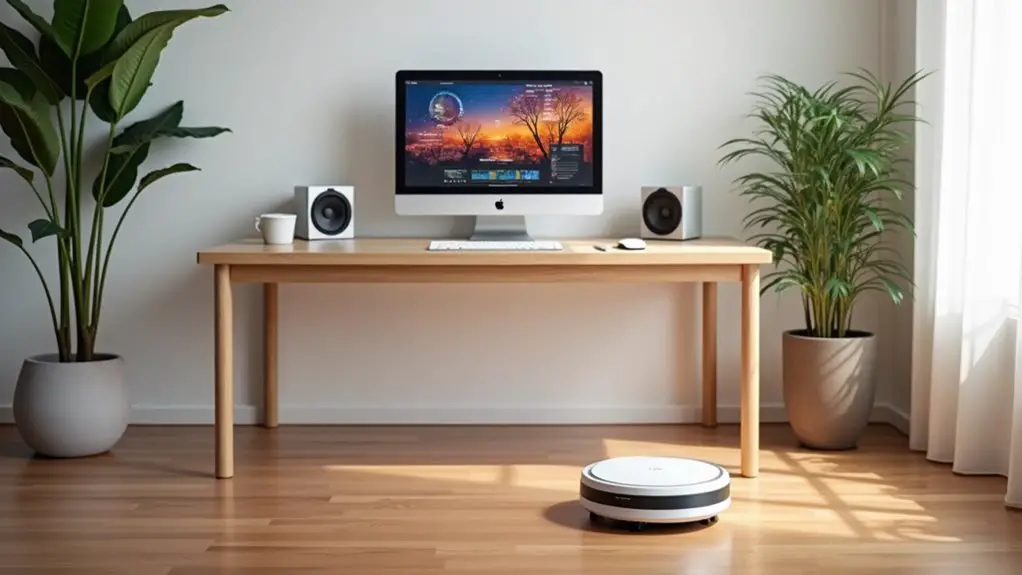
Smart home integration can totally transform your workspace by automating tasks and boosting productivity. From smart lighting that adjusts to your mood to voice-controlled assistants managing your schedule, these devices enhance your efficiency and comfort. You'll enjoy a tailored environment, optimized for success. Plus, with added security features, your office will feel safe. Want to know how to seamlessly implement these smart tools and choose the right devices? There's more to explore on this topic!
Key Takeaways
- Integrate smart lighting to automatically adjust brightness and color for optimal focus and mood throughout your workday.
- Utilize a smart thermostat to maintain ideal temperature and energy efficiency, enhancing comfort while working.
- Implement a smart speaker or voice assistant to manage tasks hands-free, increasing productivity and efficiency.
- Set up smart plugs for remote control of devices, allowing you to manage energy usage and automate routines.
- Establish a central control hub to seamlessly manage all smart devices, ensuring a cohesive automated workspace.
The Benefits of Smart Home Technology in Your Workspace

Have you ever wondered how smart home technology can transform your workspace? By integrating smart devices, you can boost your productivity and efficiency.
Imagine controlling your lighting, temperature, and even your coffee maker with just your voice or a tap on your smartphone. This convenience lets you focus on your tasks without interruptions.
Control your workspace with voice commands or your smartphone, allowing you to concentrate fully on your tasks without distractions.
Smart technology also enhances your workspace's security. You can monitor your office remotely and receive alerts if anything seems amiss.
Plus, automation helps create a comfortable environment tailored to your preferences, reducing stress and distractions.
With smart home technology, you're not just working; you're optimizing your space for success. Embracing these innovations can lead to a more organized, efficient, and enjoyable workday.
Essential Smart Devices for an Automated Office
To fully harness the benefits of smart technology in your workspace, equipping your office with the right devices is key.
Start with a smart speaker or voice assistant to manage tasks hands-free. Consider smart lighting that adjusts automatically based on your schedule, boosting productivity and comfort.
A smart thermostat can help maintain an ideal temperature, saving energy and enhancing your focus. Don't forget about smart plugs for controlling devices remotely, ensuring everything's off when you leave.
Finally, a smart security system can provide peace of mind, allowing you to monitor your office from anywhere.
With these essential devices, you'll create a more efficient, automated office that supports your workflow and enhances your productivity.
Creating a Personalized Work Environment With Smart Integration
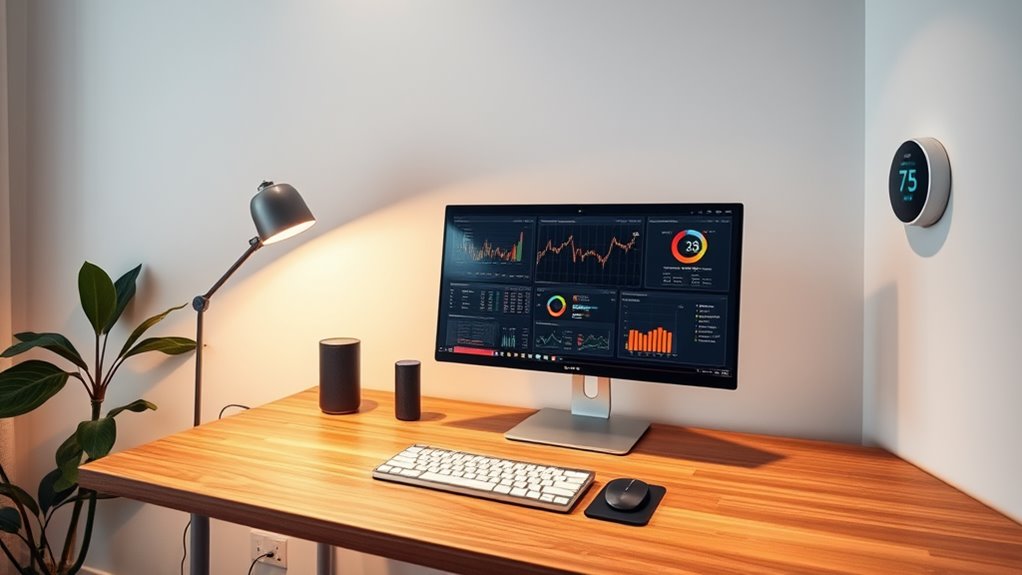
As you integrate smart technology into your workspace, personalizing your work environment becomes easier than ever.
Smart lighting lets you adjust brightness and color to suit your mood, creating an atmosphere that inspires creativity or focus. With smart thermostats, you can maintain the perfect temperature for comfort throughout the day.
Voice-activated assistants help you manage tasks, play music, or control devices without interrupting your workflow. Consider smart plants that remind you to water them or adjust humidity levels, adding a touch of nature to your space.
Additionally, customizable digital displays can showcase your favorite quotes or images, keeping you motivated.
Enhancing Productivity With Automation and Smart Tools
With a personalized workspace set up, it's time to amplify your productivity by harnessing automation and smart tools.
Start by integrating smart lighting that adjusts automatically based on your tasks or mood, reducing eye strain and enhancing focus.
Integrate smart lighting that adapts to your tasks or mood, minimizing eye strain and sharpening your focus.
Utilize smart speakers to set reminders, manage your calendar, or control other devices hands-free, allowing you to stay on top of your schedule without distraction.
Consider automated task management tools to prioritize your workload, ensuring you tackle the most important projects first.
Additionally, implementing smart climate control can create a comfortable environment, boosting your concentration.
Tips for Seamless Smart Home Integration in Your Workspace

Even though integrating smart home technology into your workspace might seem intimidating, a few simple tips can make the process seamless and efficient.
Start by evaluating your current setup and identifying areas where automation can enhance productivity. Next, choose devices that are compatible with one another to avoid connectivity issues.
- Prioritize essential devices: Focus on smart lighting, thermostats, and voice assistants first.
- Create a central control hub: Use apps that allow you to manage all devices in one place.
- Automate routines: Set schedules for lights and equipment to streamline your workday.
- Test and adjust: Regularly evaluate your setup to verify it meets your evolving needs.
With these tips, you'll create a smarter, more efficient workspace.
Frequently Asked Questions
How Much Does It Cost to Set up a Smart Workspace?
Setting up a smart workspace can cost anywhere from a few hundred to several thousand dollars, depending on the devices you choose. It's crucial to budget according to your specific needs and preferences.
Can I Integrate My Existing Devices Into a Smart Home System?
Yes, you can integrate your existing devices into a smart home system. Many platforms support various brands, allowing you to control everything from lights to thermostats. Just check compatibility and follow the setup instructions.
Is Smart Home Technology Secure and Safe to Use?
Smart home technology can be secure if you take precautions. Use strong, unique passwords, enable two-factor authentication, and keep your devices updated. By staying vigilant, you can enjoy the convenience without compromising safety.
What if I Need Technical Support for My Smart Devices?
If you need technical support for your smart devices, don't hesitate to reach out to the manufacturer's customer service. They can guide you through troubleshooting or provide solutions to any issues you're facing.
How Do I Troubleshoot Connectivity Issues With Smart Devices?
To troubleshoot connectivity issues with your smart devices, start by checking your Wi-Fi connection. Restart the device, make certain it's within range, and update its firmware. If problems persist, consult the manufacturer's support resources for further assistance.